
Hang
A catenary between two or more anchors, with slack. Drag an anchor and the cable follows, live. Run one cable through every anchor, or pair them up A to B.

Blender add-on
Click ready-made cable runs onto any wall, or hang, fan, drop and draw your own, with real slack, real hardware and one click to a game-ready mesh.
For Blender 4.5 LTS and newer.
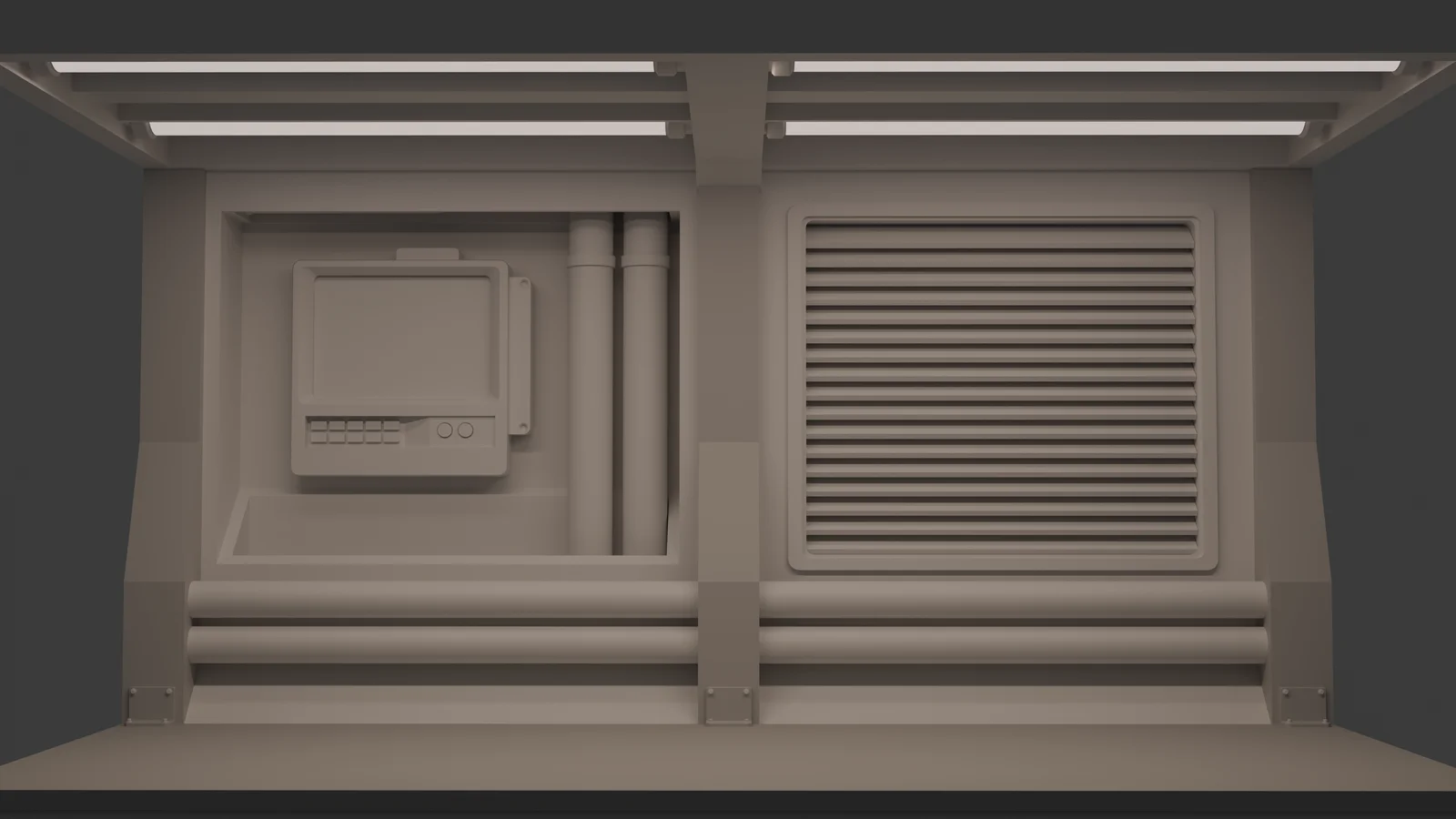
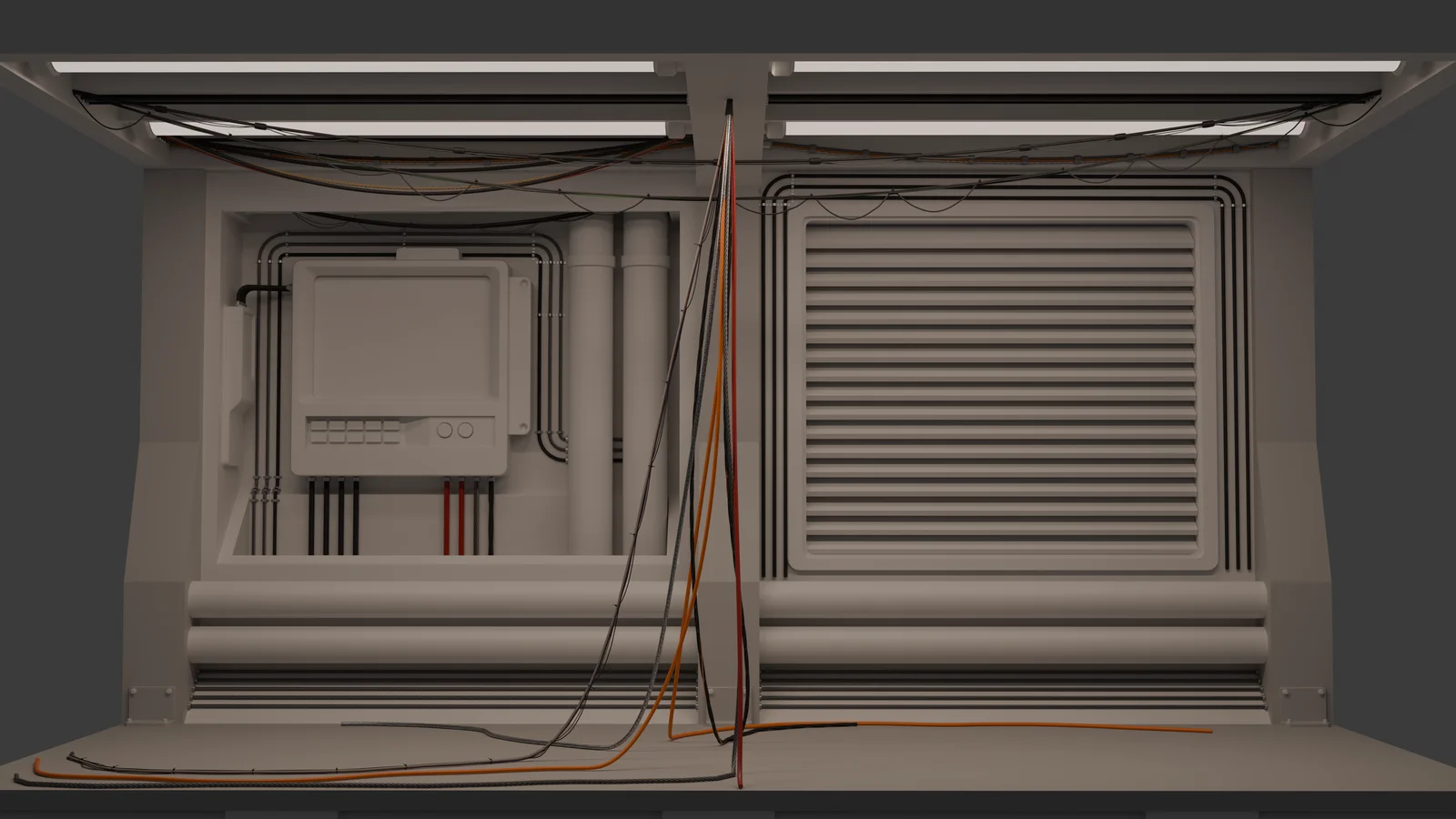
Before / After
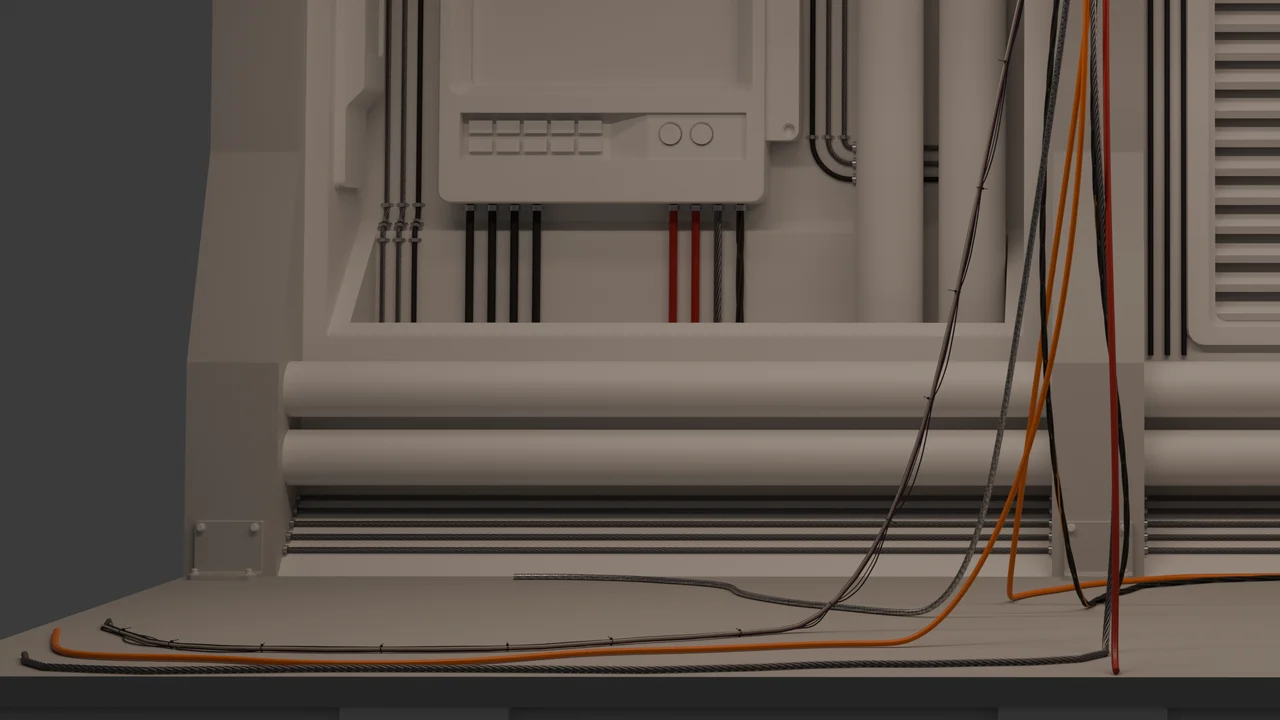
Every cable in this room came from Conduit: trios clamped along the walls, wires sagging between the lights, and a bundle dropping from the ceiling to sprawl across the floor.
Setups
Pick a setup and click a surface. The run lands square to that wall, ready to go: a single cable, a trio with clamps, a pipe, a power line, a mixed bundle or a full harness. Drag one handle to move the whole run, change the cable count, and the cables stay evenly spaced on the wall.
Need it to go somewhere? Extend it left, right, up or down, or click the next point, even on the next wall. Every turn gets a proper elbow, and a bundle stays parallel through it: the inside cable bends tighter, the outside one wider, none of them cross.
Four modes
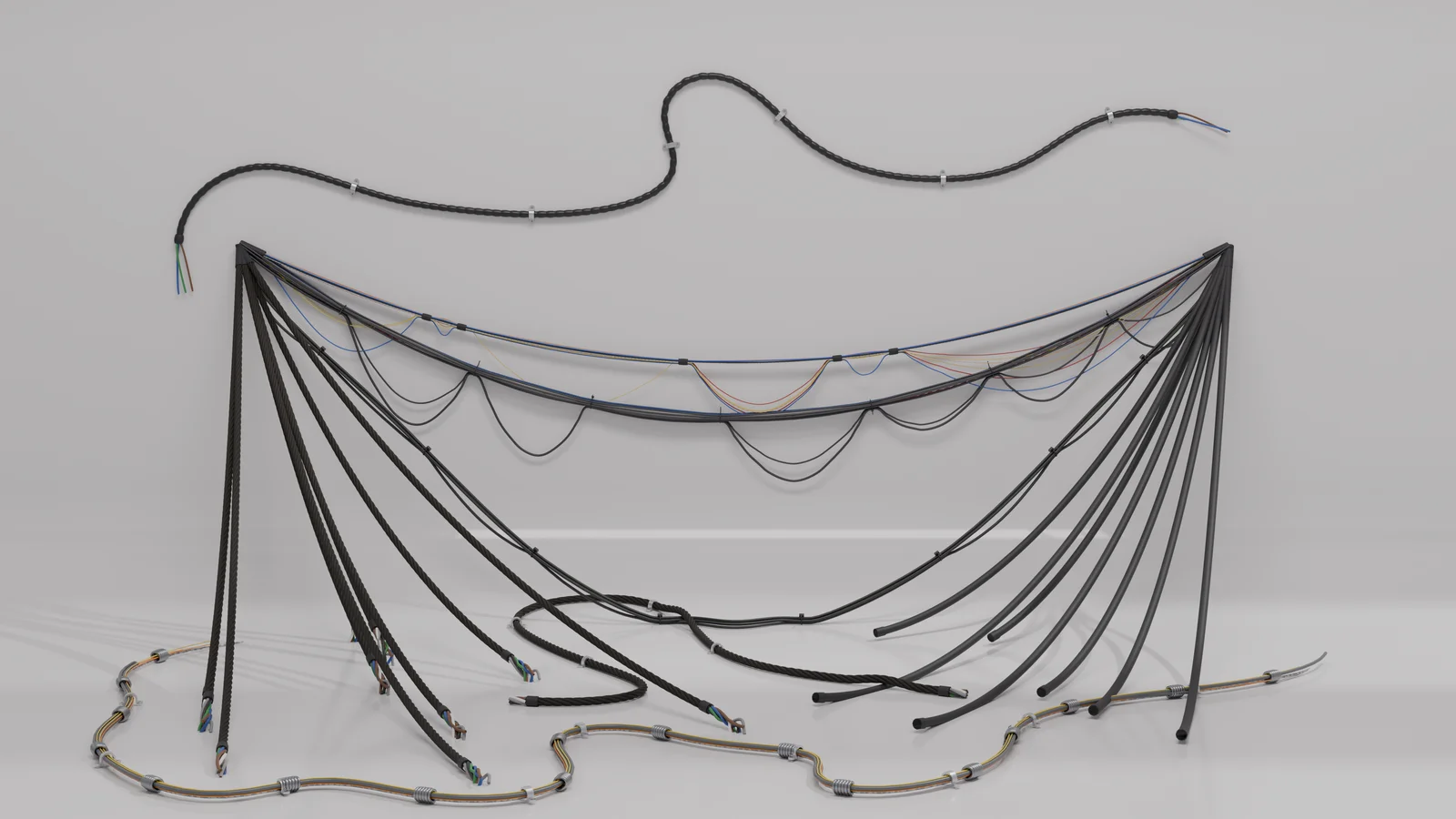
A catenary between two or more anchors, with slack. Drag an anchor and the cable follows, live. Run one cable through every anchor, or pair them up A to B.
One hub to many targets. Click a face and targets scatter across it, or click each target where you want it. Change the count and cables are added or removed live; the ones you already have stay put.
Cable coming down from a ceiling point and piling on the floor. The cables appear as soon as you place the landings; drag any landing to steer its cable.
Drag across any surface and the cable follows it. Where it meets another cable it climbs over and settles back down, instead of running through.
Workflow
Copy a setup into another file and it stays live, ready to edit.
Swap the look of a whole run, or of one cable in it.
Hide any setup with its eye, Ctrl+click to solo it, and see what you picked light up.
Turn a run as you place it: it lands square to the wall.
Profiles
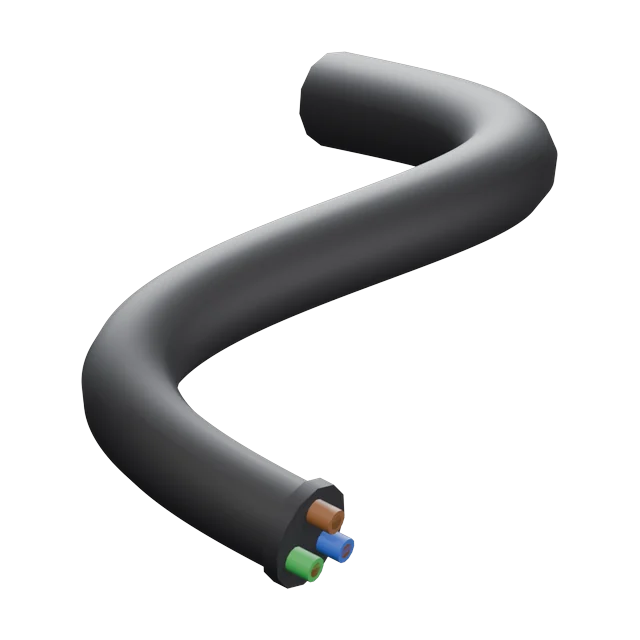
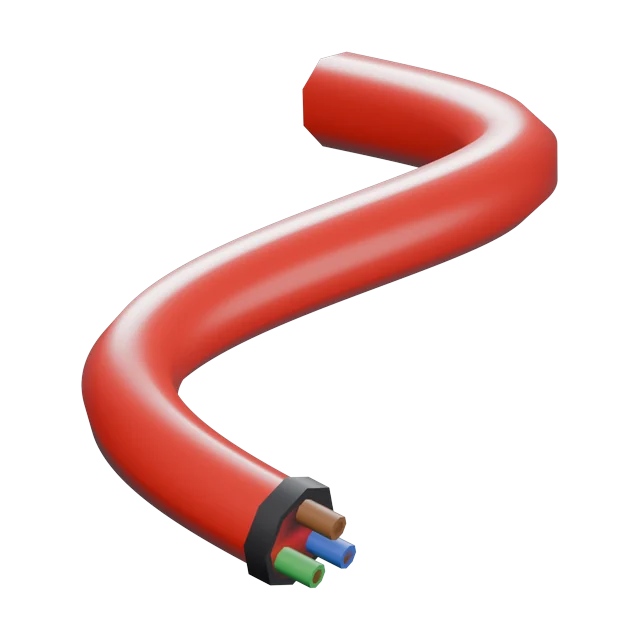
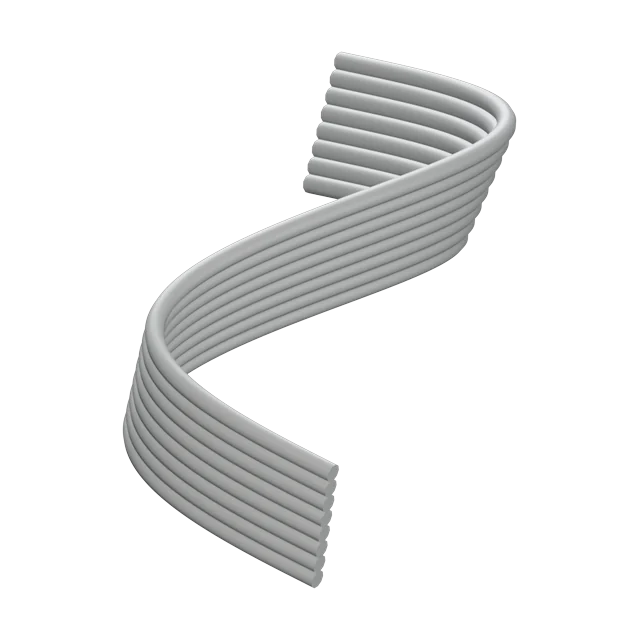
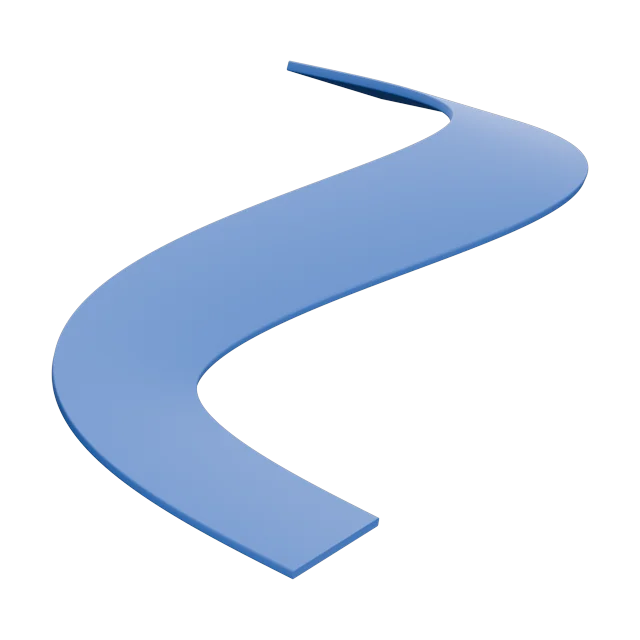
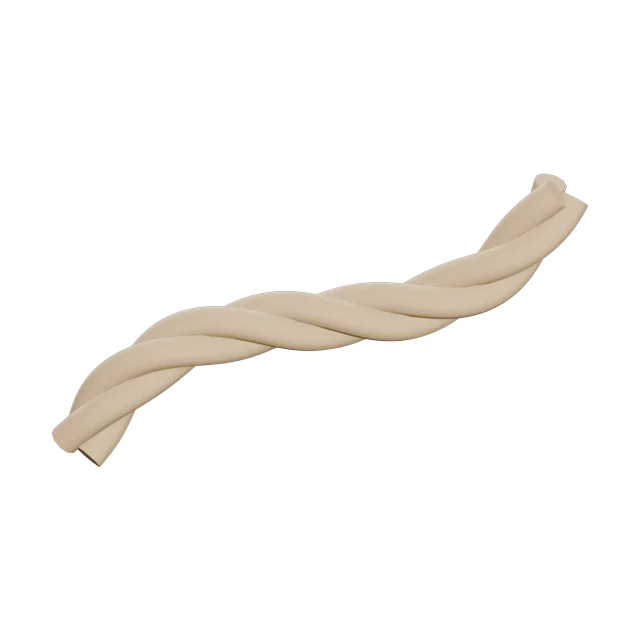
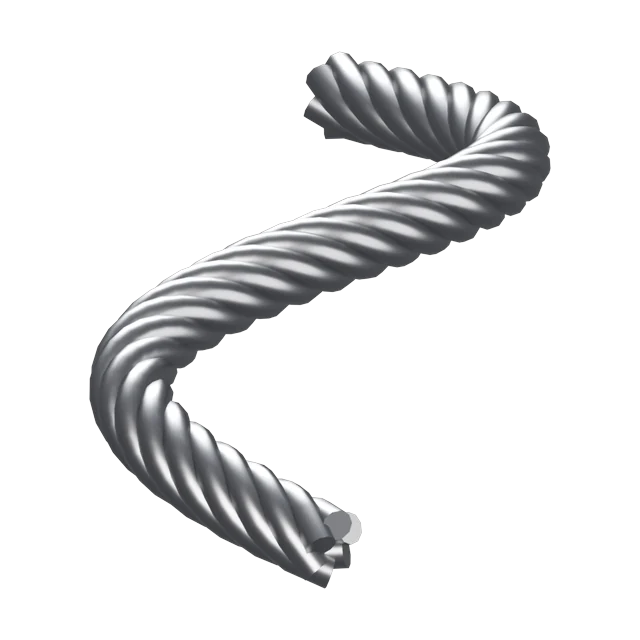
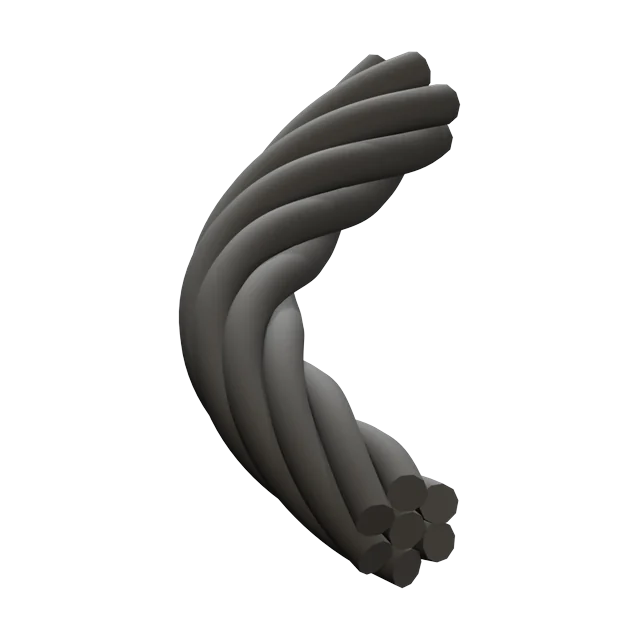
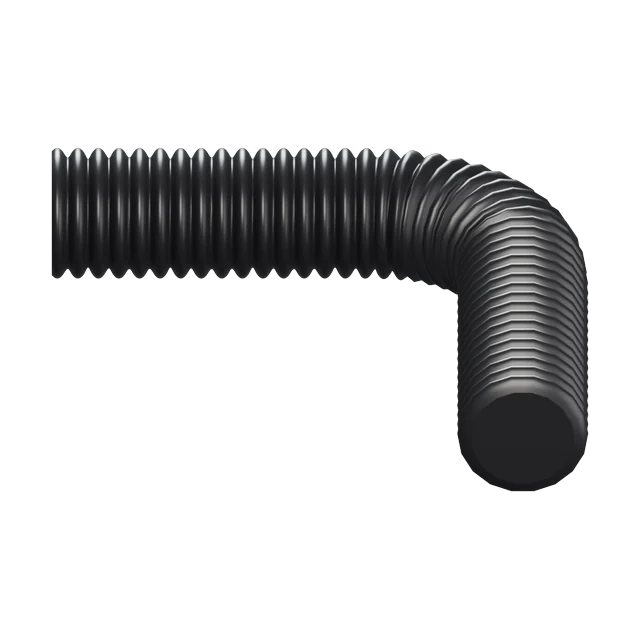
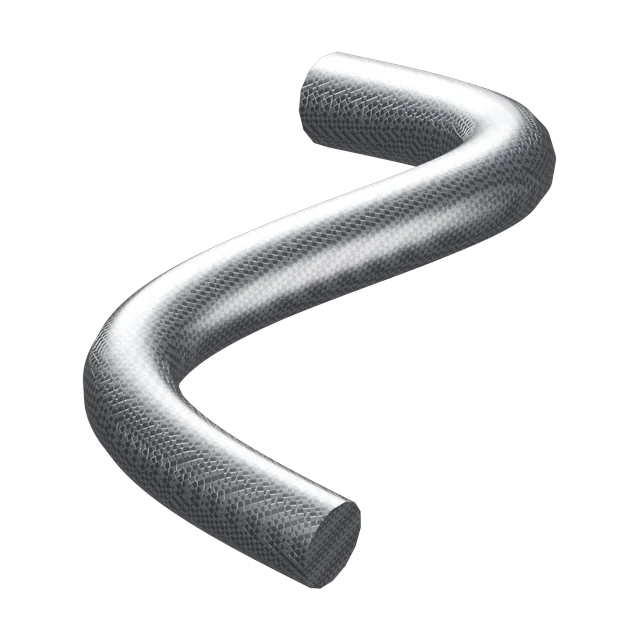
Power cable to fire hose, coiled cord to flex duct, and seven kinds of wire harness, from a tidy network rack to a rat's nest. Rope lay, ribs and armour hold their pitch at any length. Every preset is a starting point: change anything, save it, and load it in any file.
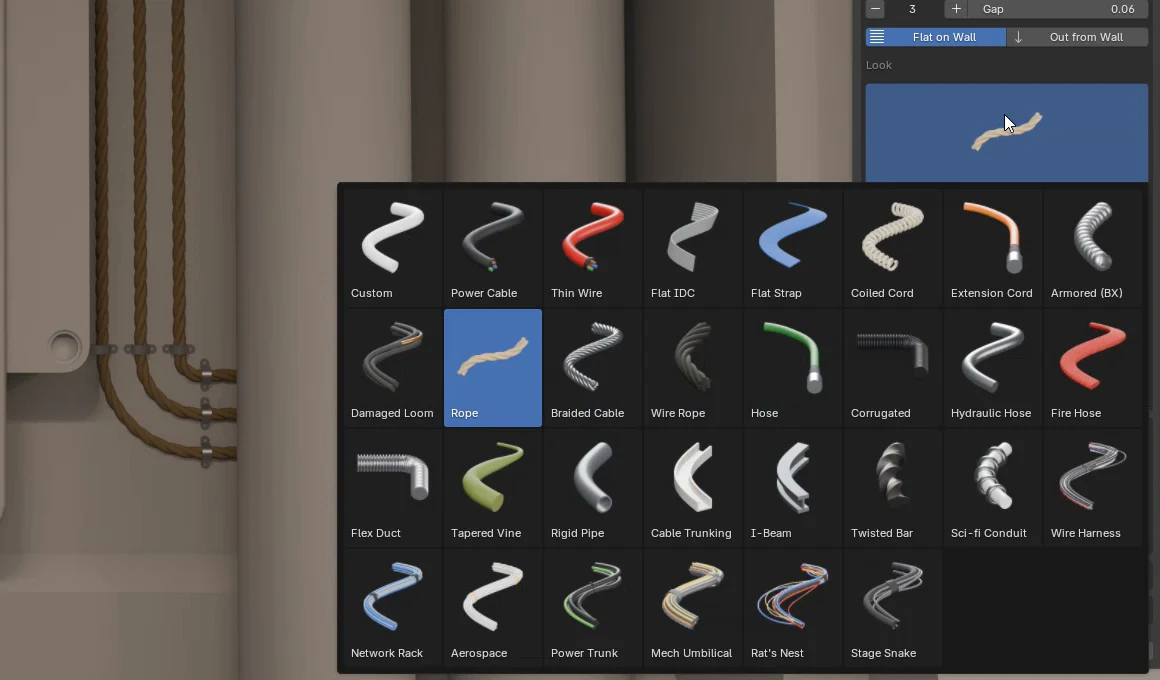
Everyday cable, from background wire to armoured runs.
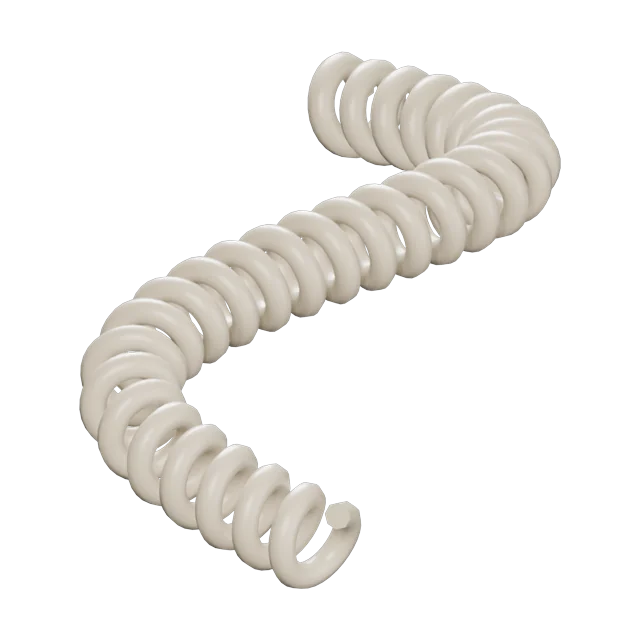 New
New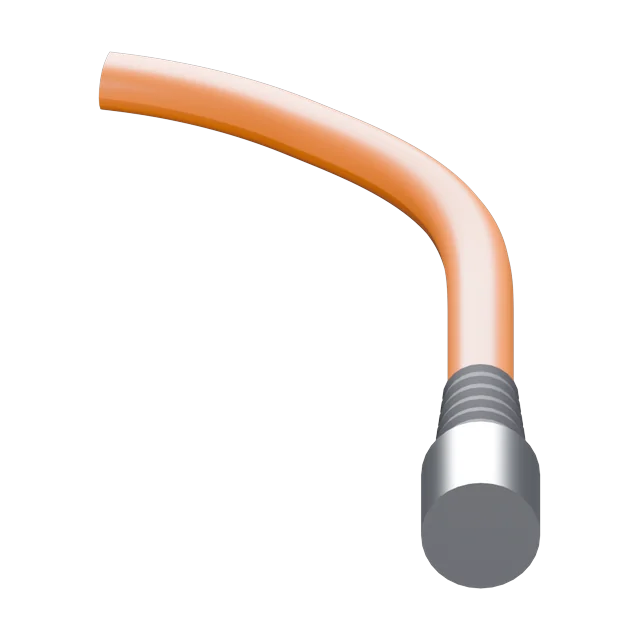 New
New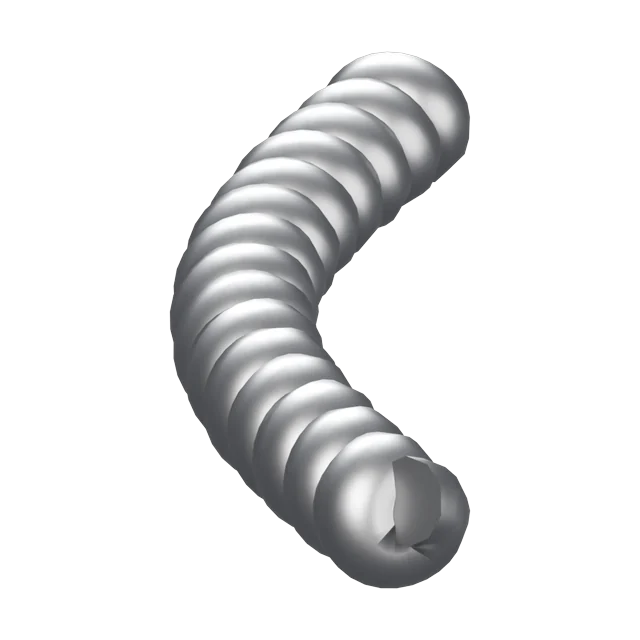 New
New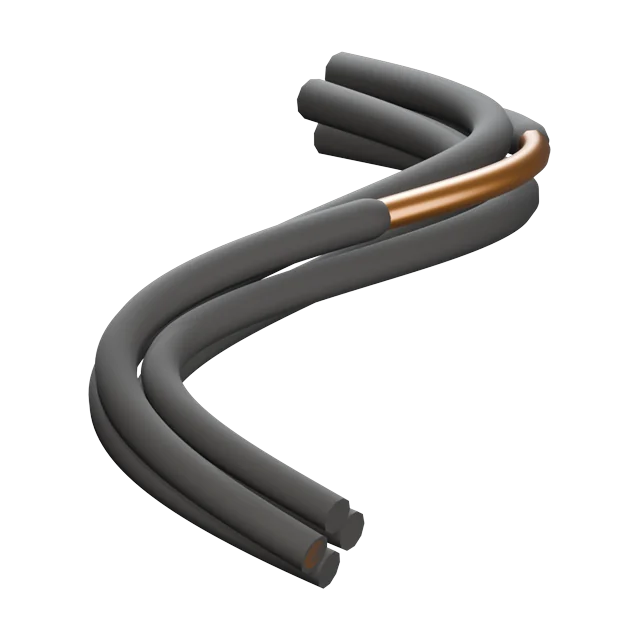
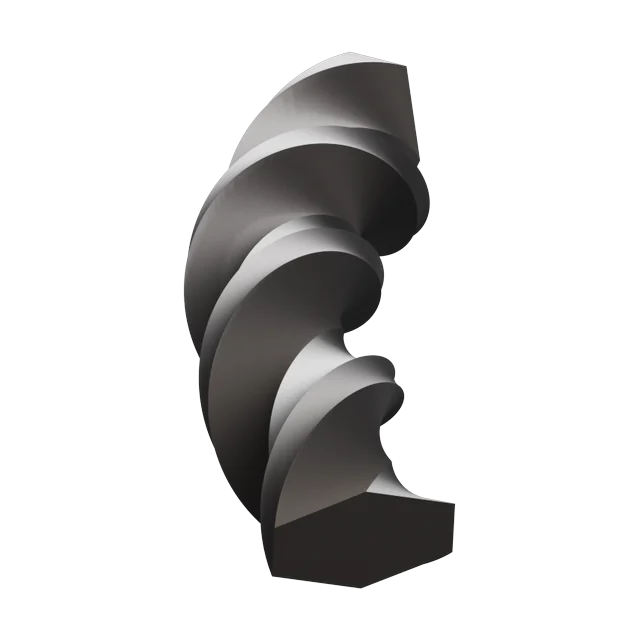
Laid, braided and ribbed; the pitch holds at any length.
 New
New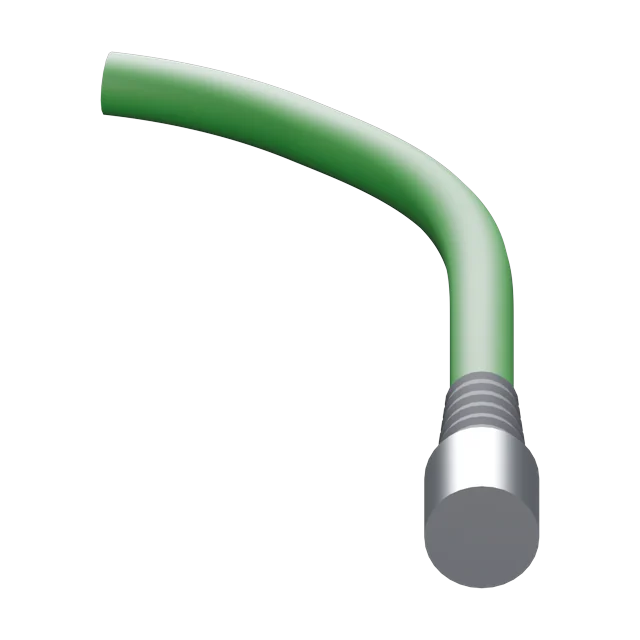
 New
New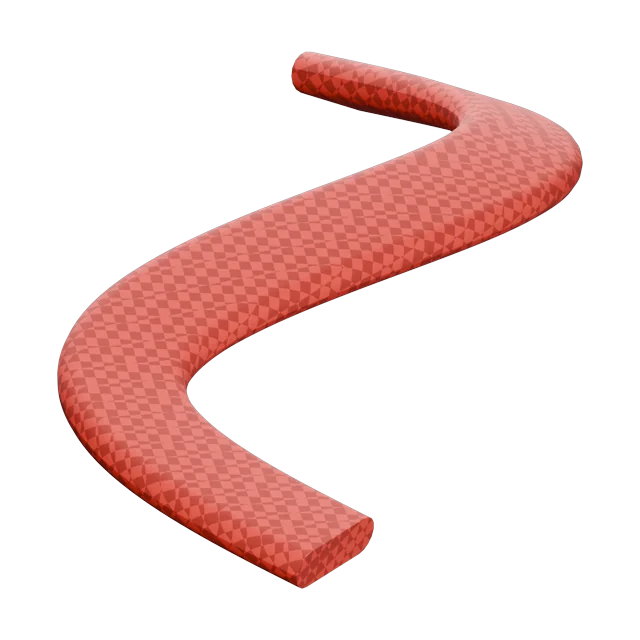 New
New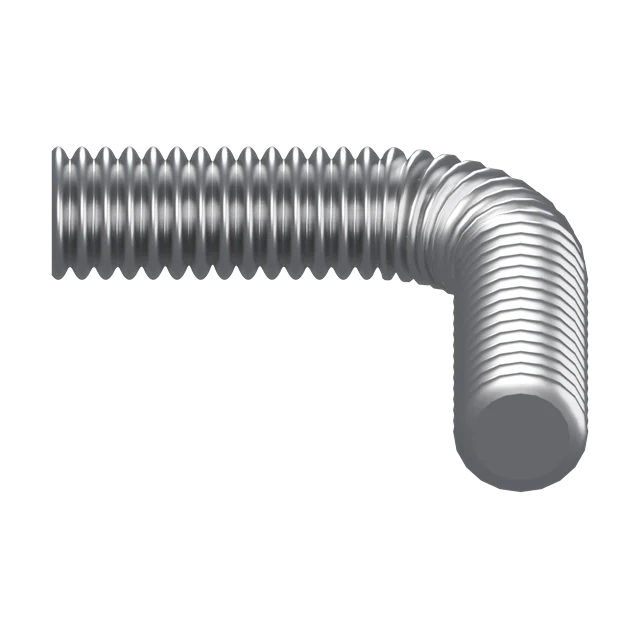 New
New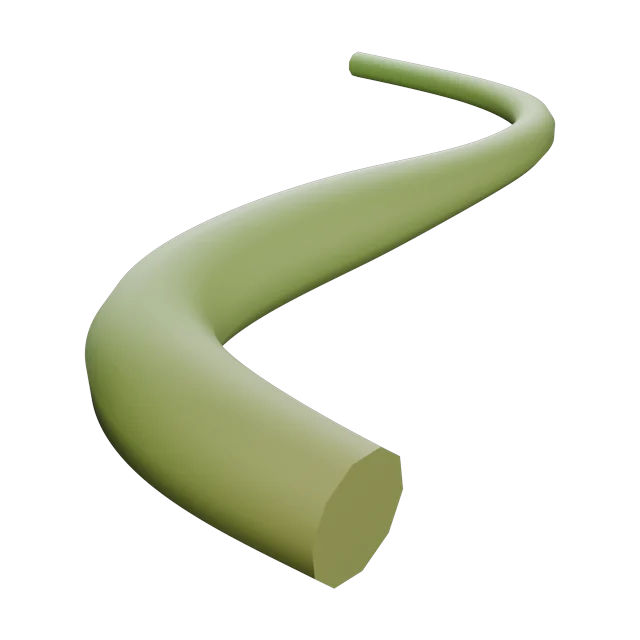
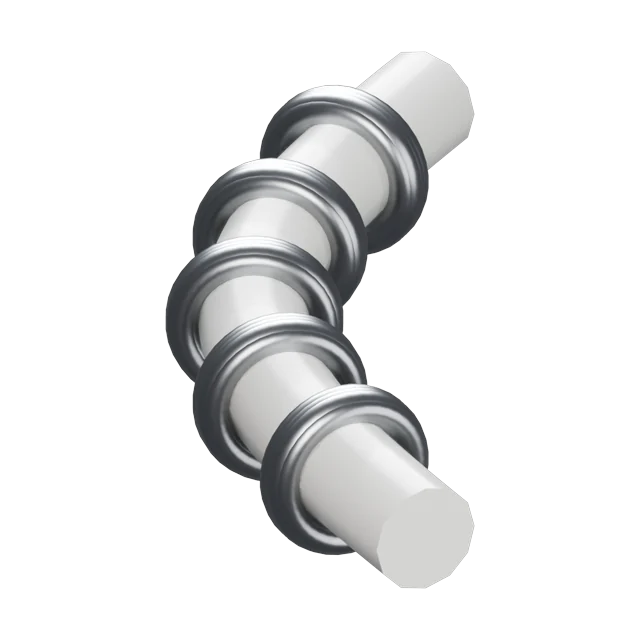
Pipe, tray and structural sections for runs that don't sag.
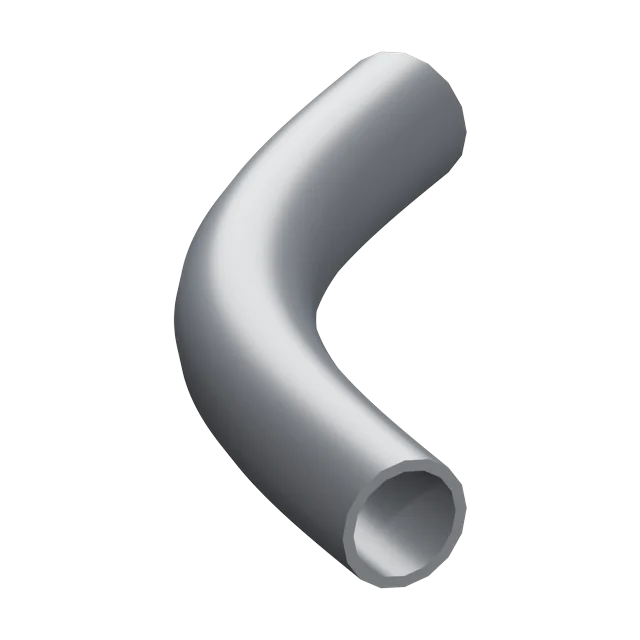
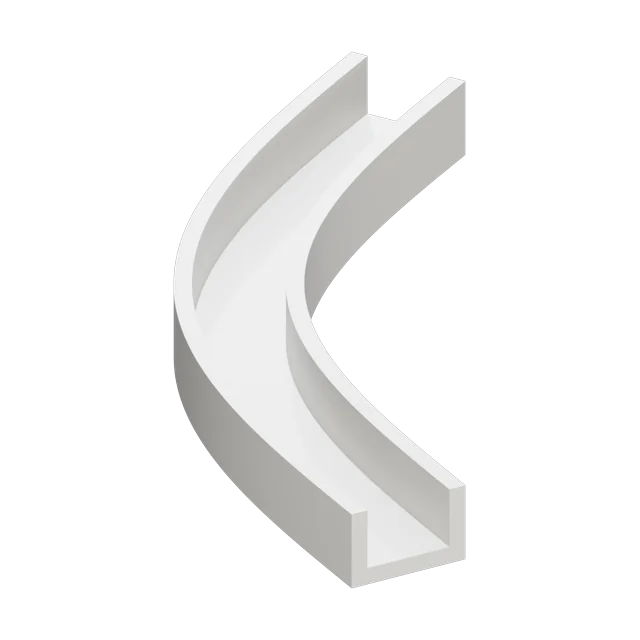
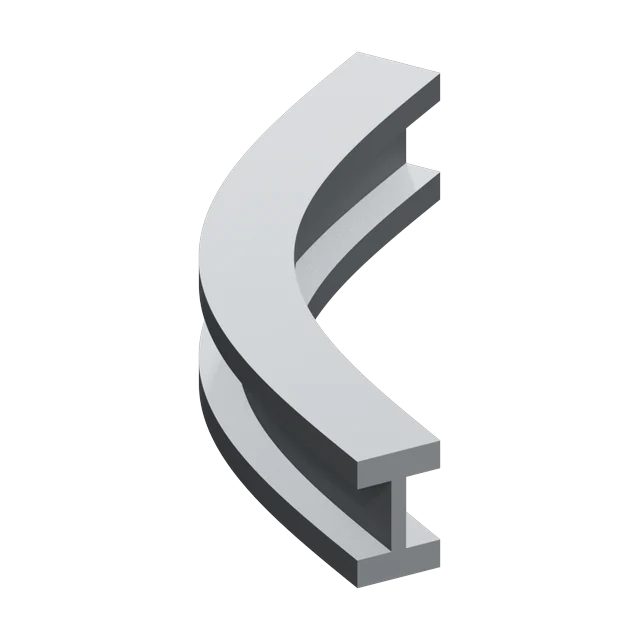
 New
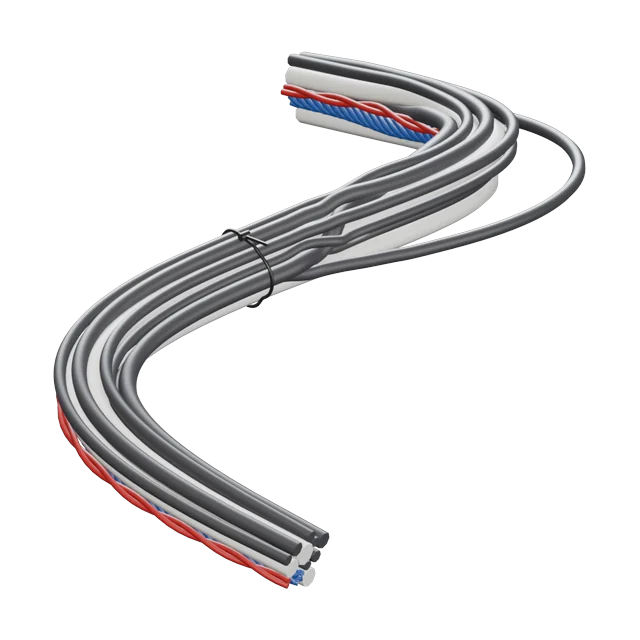
NewMany cables in one run, each type tied its own way.
 New
New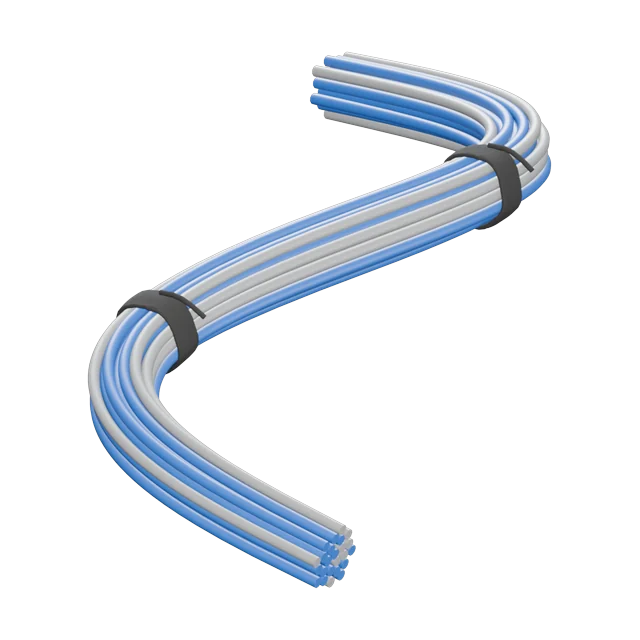 New
New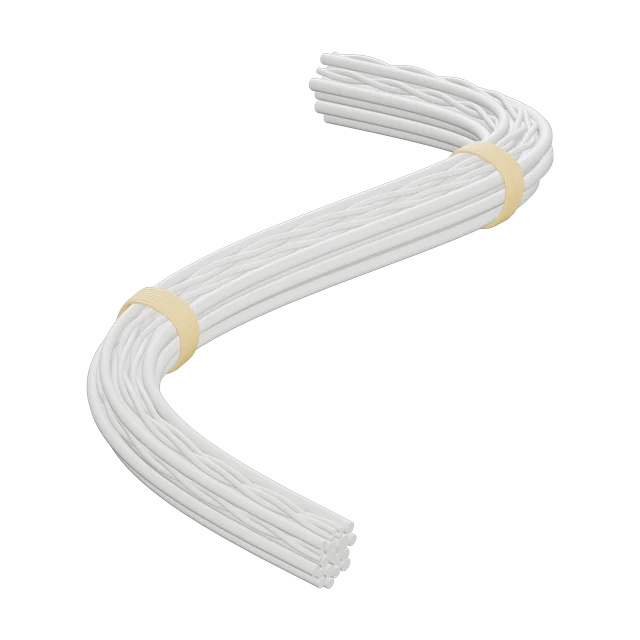 New
New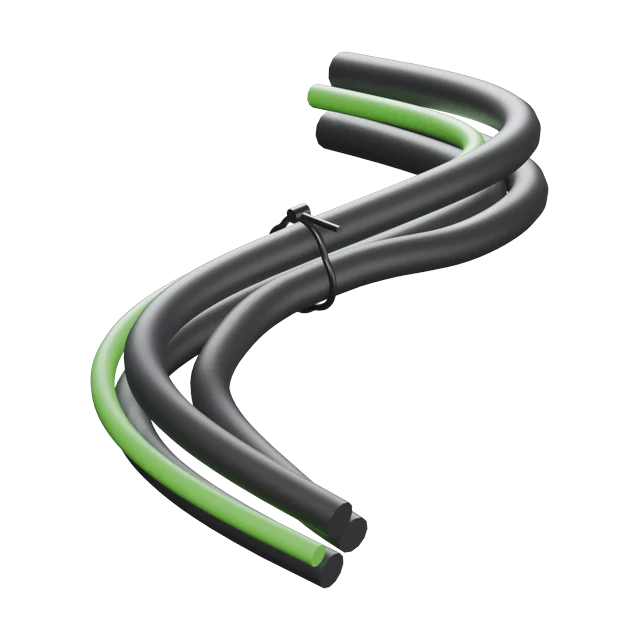 New
New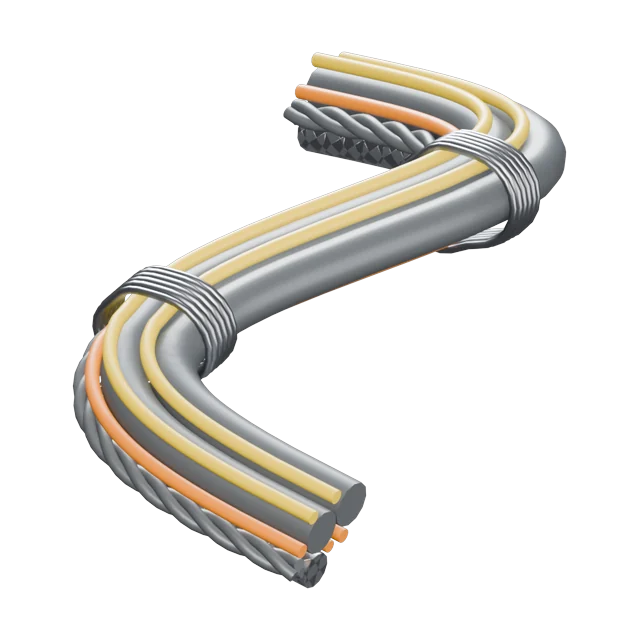 New
New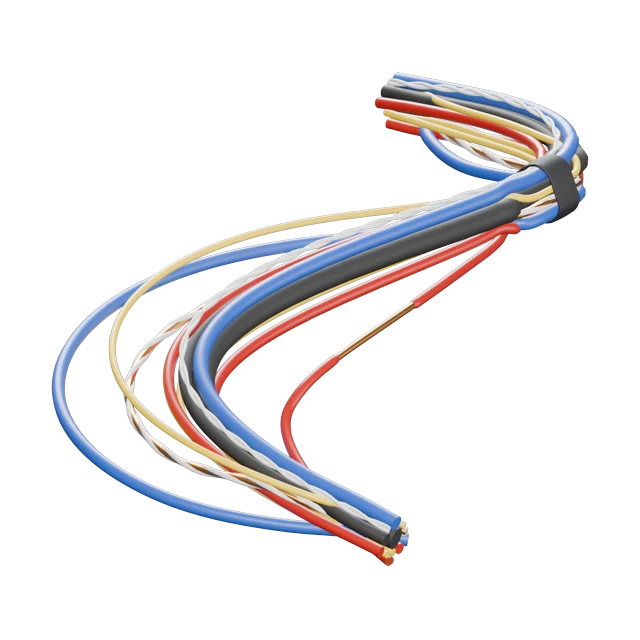 New
New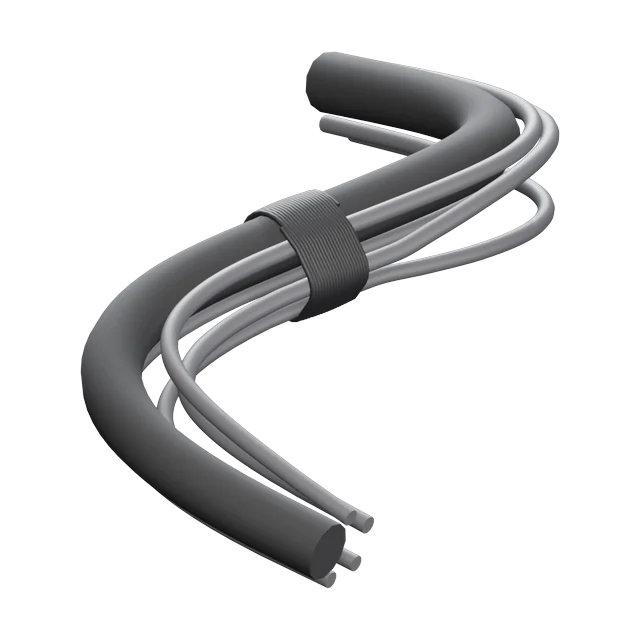 New
New
Hardware
Strip the jacket back to coloured cores and bare copper, fray it, or heat-shrink it. Add a gland, plug, lug, ferrule or grommet at either end, or any object of your own; the cable runs straight into it before it bends, the way a real one does. A built-in saddle clamp holds runs to the wall, at the anchors or spaced along the cable, sized to fit.
Obstacles
Let one end of a hanging cable come loose and sprawl, or let the slack settle on the floor. Avoid Obstacles keeps it out of walls, props and pipes.
Bake
Bake any layer to one mesh with world-length UVs, so every cable in the scene has the same texel density. The curves stay hidden, not deleted, so you can change anything and bake again.
Specs
| Version | 1.1.5 |
|---|---|
| Blender | 4.5 LTS or newer |
| Cable modes | Setups, Hang, Fan, Drop, Draw |
| Setups | 6 click-to-place rigs, extend with elbows |
| Profile presets | 29, including 7 wire harnesses, plus custom shapes |
| Fittings | Gland, Plug, Lug, Ferrule, Grommet, or your own |
| Clamps | Built-in saddle clamp, or your own clip |
| Output | Curves with live preview; bakes to mesh with UVs |
| License | GPL-3.0 |
| Updates | Free updates |
Questions
Yes. Every release is tested on 4.5 LTS and the newest Blender.
Yes. Extend a setup in any direction or click the next point, including on another wall. Each turn gets an elbow, and bundled cables stay parallel through it.
Setups keep the controls you need for a quick run. Convert one to a Hang layer at any time and every Hang control is back, with the cable exactly where it was.
Finalize bakes to a mesh with UVs and shows the triangle count. Resolution is set separately from the viewport.
Yes. Freeze a drawn cable to protect hand edits, or convert one to a mesh and it's yours.
Yes. Copy and paste, append, or drag one from the Asset Browser, and Conduit picks it up as a live setup, ready to edit, with all its settings.
Live preview waits before rebuilding, and the delay is adjustable in Preferences for heavy scenes.
On GitHub issues. Include your Blender version, the Conduit version and a small .blend if you can.