
Blender add-on
Break it. Chip it. Keep the mesh.
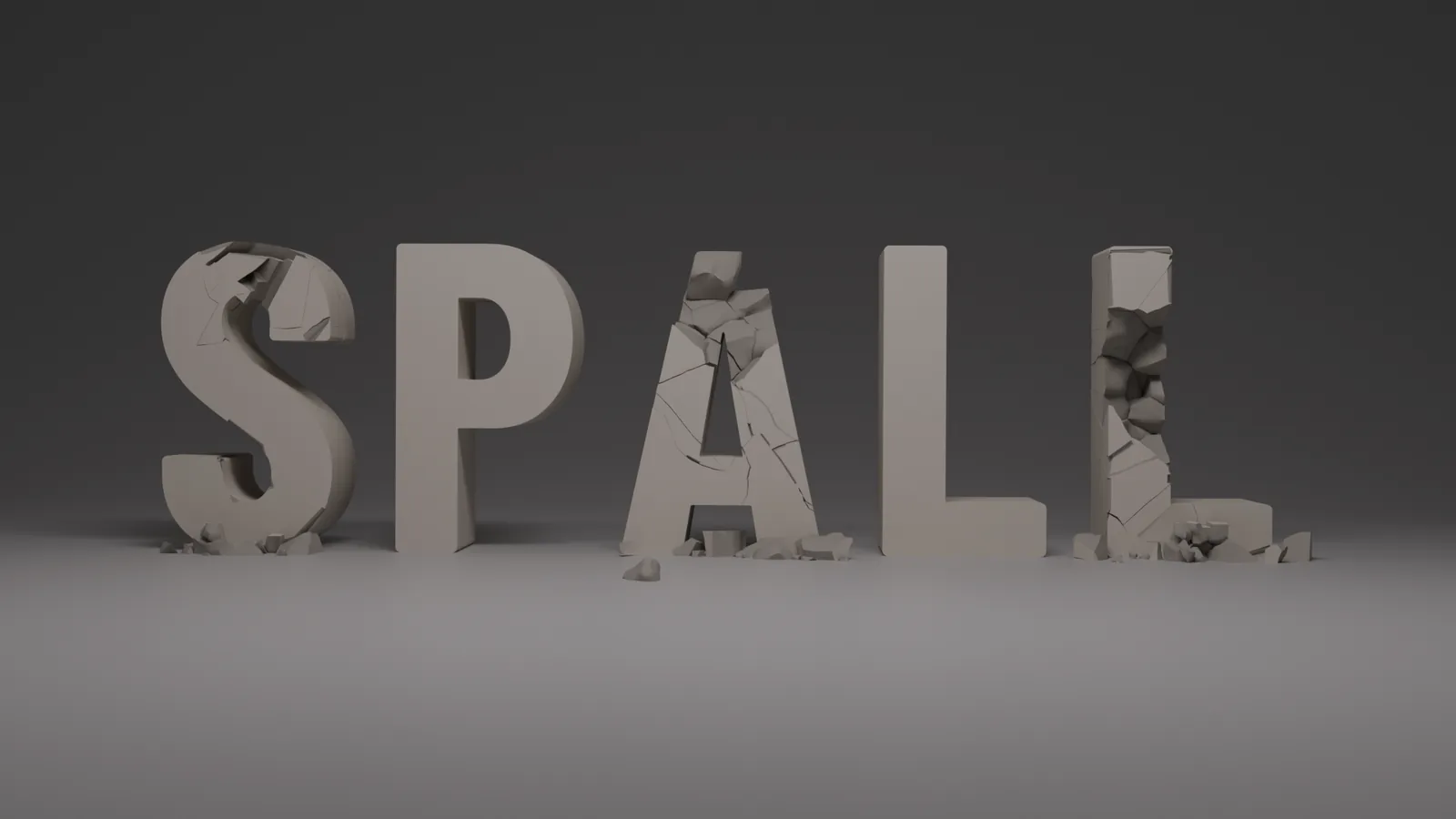
Spall breaks, cracks and damages meshes in Blender. Nothing is destroyed: your original stays live, and you can bake the result when it looks right.
Early access $19, out now · $29 when 1.0 comes out on November 18 · For Blender 5.0 and newer.
- Blender 5.0+
- Geometry nodes only
- Non-destructive
- Bakes to real geometry
One click to start
Select a mesh. Pick a preset.
Select a mesh, pick a preset from the Spall tab, and it breaks. Nothing to set up first.
Presets
Pick what it's made of
Concrete
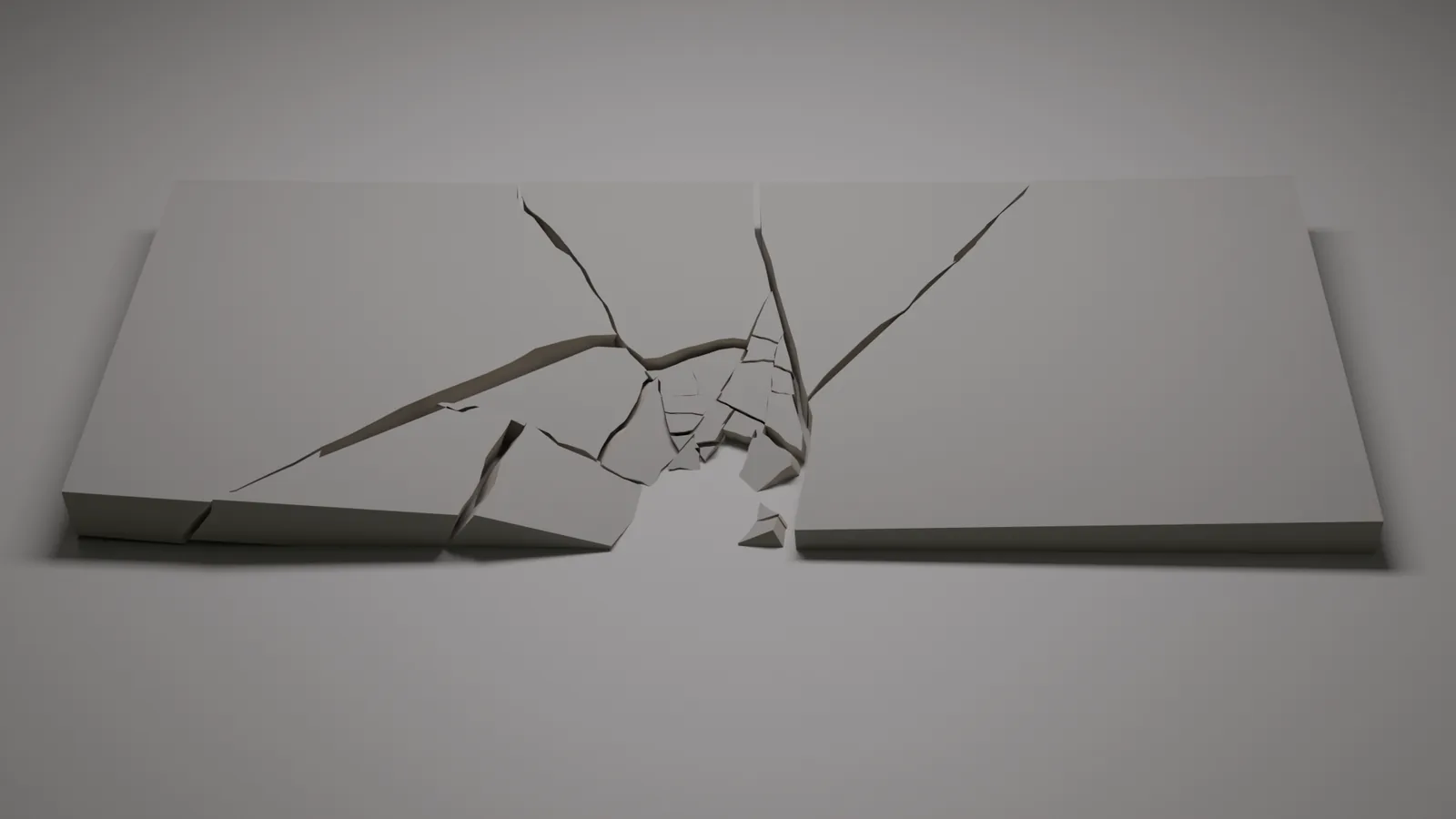
Slabs, walls and floors, with wandering cracks, rubble and rebar.
Rock
Stone, boulders and cliffs that split along their layers into flat, uneven slabs.
Wood Beam
Breaks along the grain. Snap it clean or splinter it.
Concrete Strike
Cracks radiate from the hit, finer and denser at the centre.
Masonry
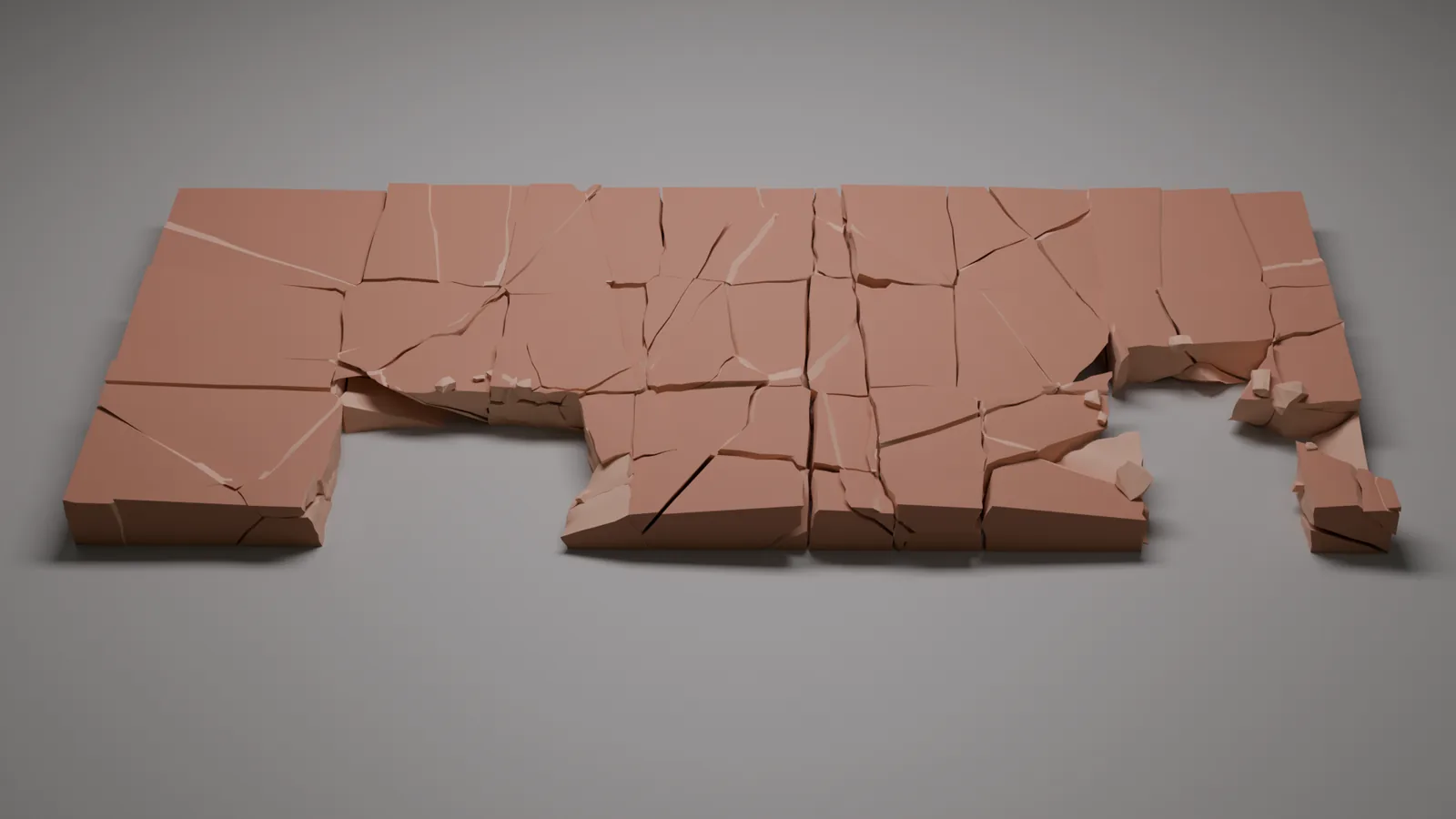
Brick and block walls that break on their courses.
Glass
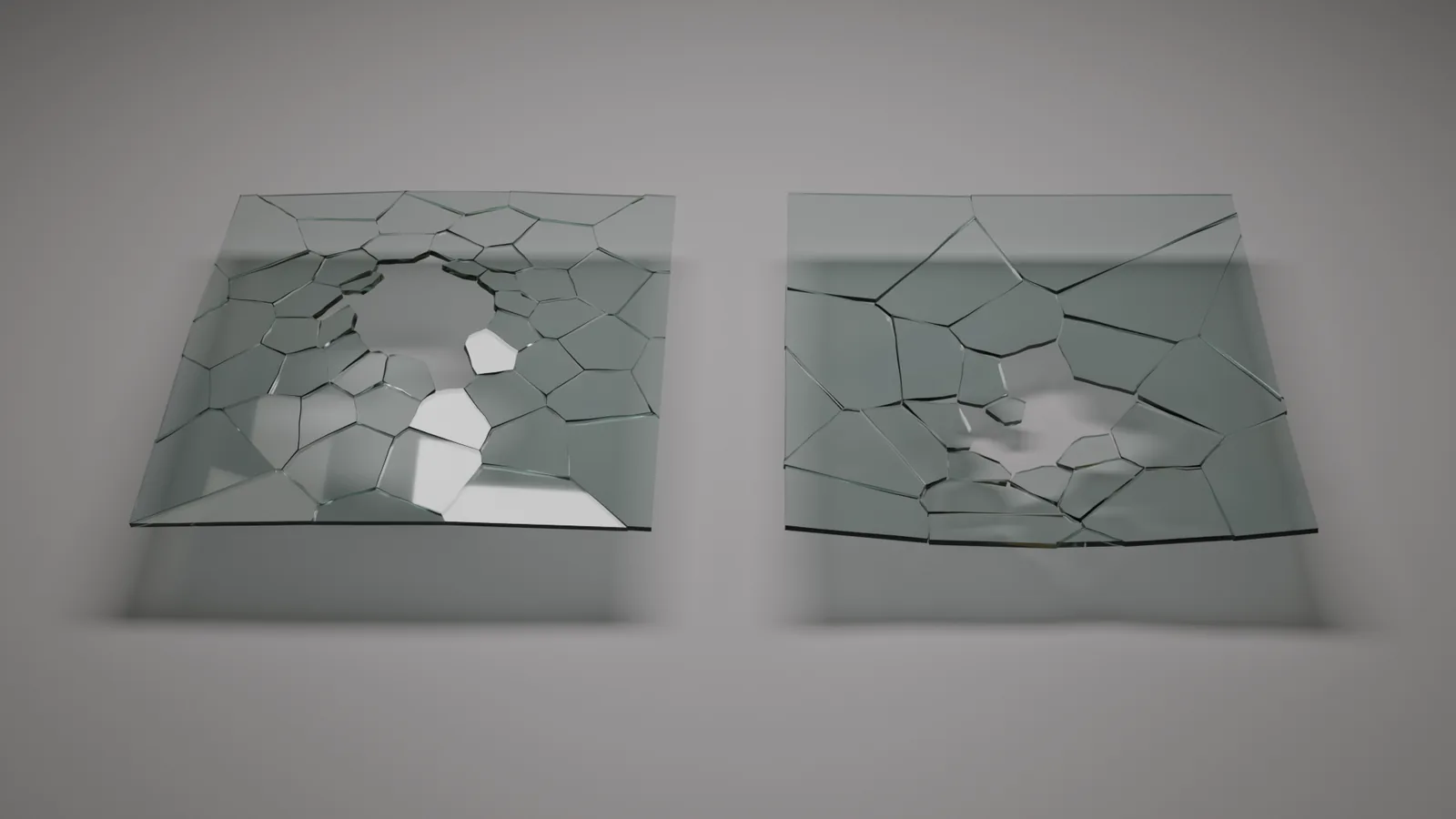
Panes and windows with a radial web of cracks.

The impact controller
Drag it to where it got hit
Move a handle and the break follows, live. Blow a hole clean through, push the pieces in, or take them out and leave a crater. Let go and it resolves to the full result.
Drag it and the break follows at once: a quick preview while you move, the full detail the moment you let go.
Surface texture
Your surface texture stays intact
When an asset breaks, the outside keeps its own UVs, so the texture doesn't shift or stretch, even around a hole. The broken faces get their own material, at the same texture scale as the outside.
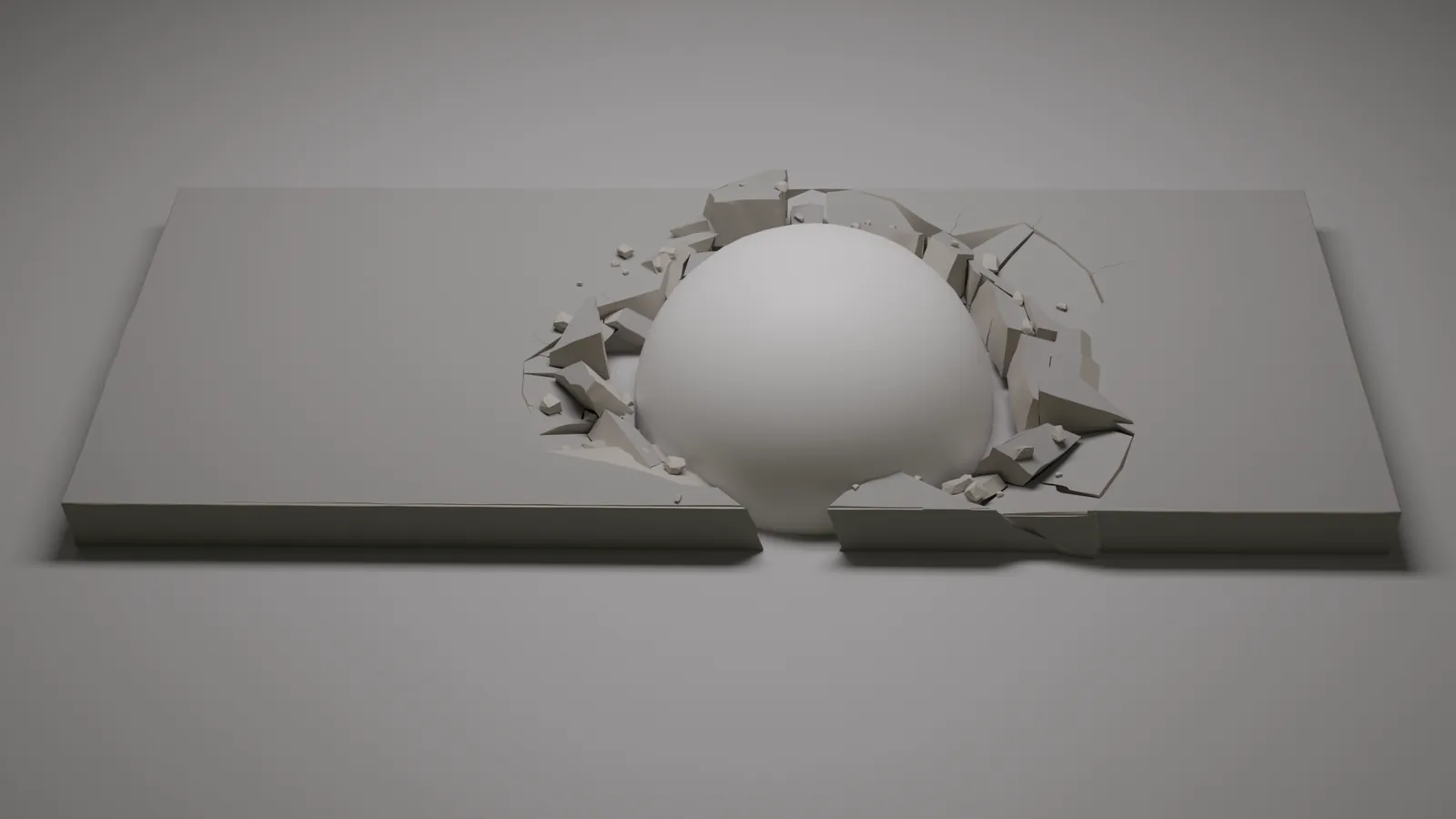
Push Through
Push it in, pull it out
Drag the controller into the surface and the middle of the break goes in, as if something heavy landed. Drag it out and the pieces lift.
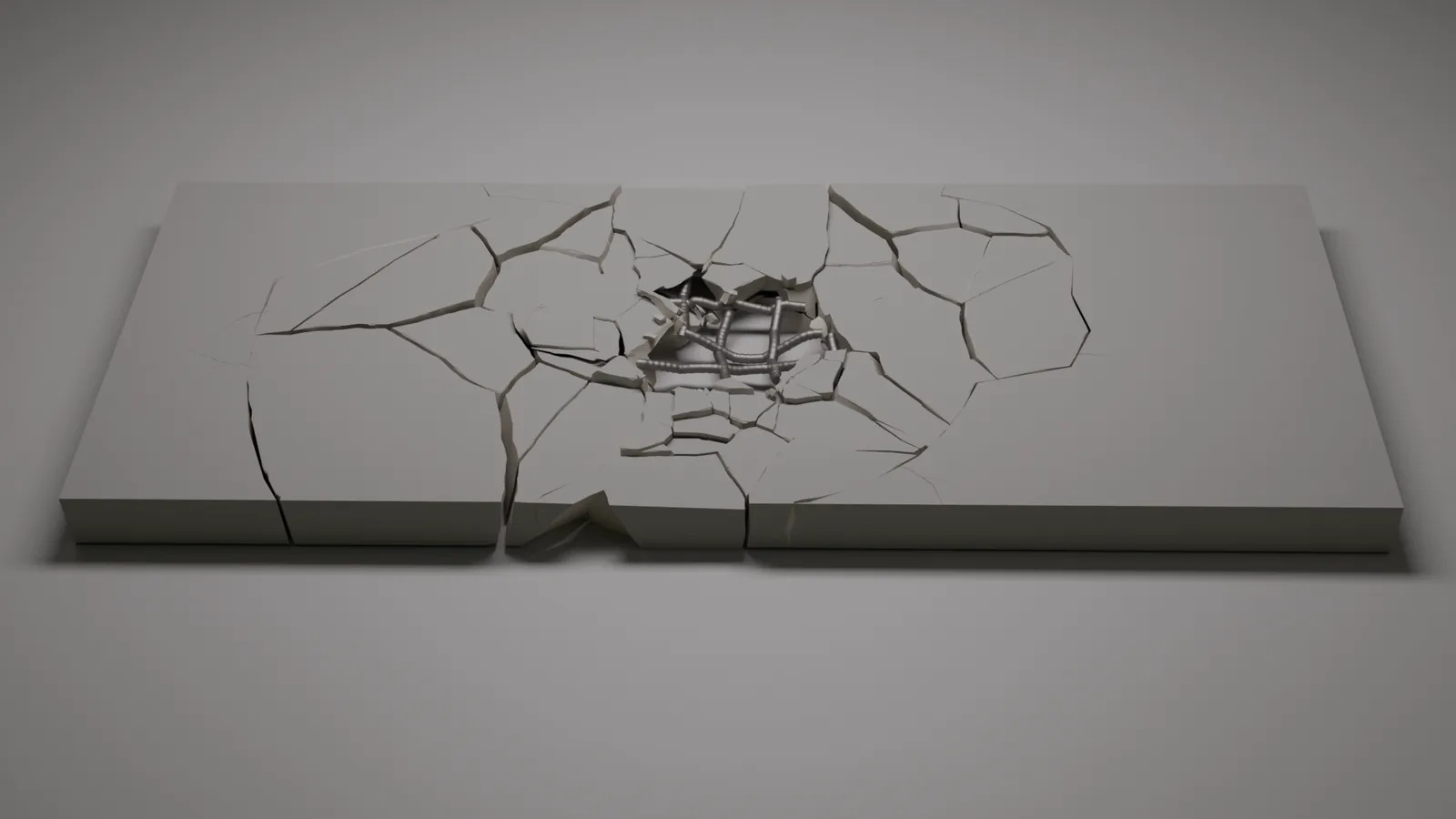
The aftermath
Rubble, rebar, worn edges
Broken-looking chunks scatter round the damage and steel bars bend and snap where the concrete is gone. Edges chip and wear so the break reads as real.
Materials
Ready for your materials
Broken faces get their own material, and textures run on across the cracks. Shader masks for the broken faces, depth into the piece and a random value per piece come with it, so one material does the whole break.
Bake
Bake with a clean UV unwrap
Bake Shards to Objects can unwrap every piece into one shared UV map at the texel density you choose. Paint it, bake AO or curvature into it, or take the pieces into a game engine. If the pieces don't fit your texture size, Spall tells you which size will hold them.
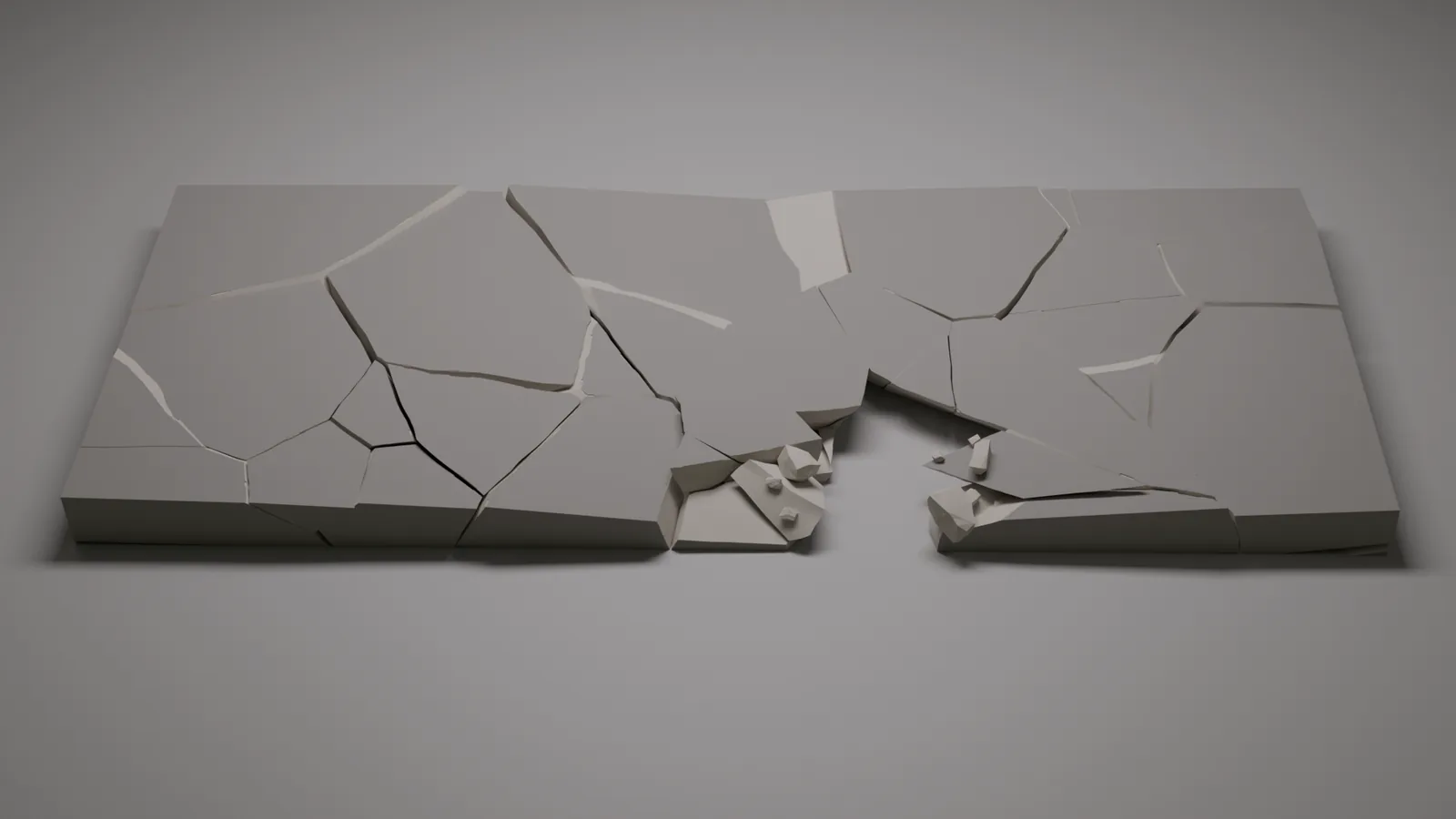
Rock
Stone that splits in layers
Stone, boulders and cliffs that split along their layers into flat, uneven slabs.
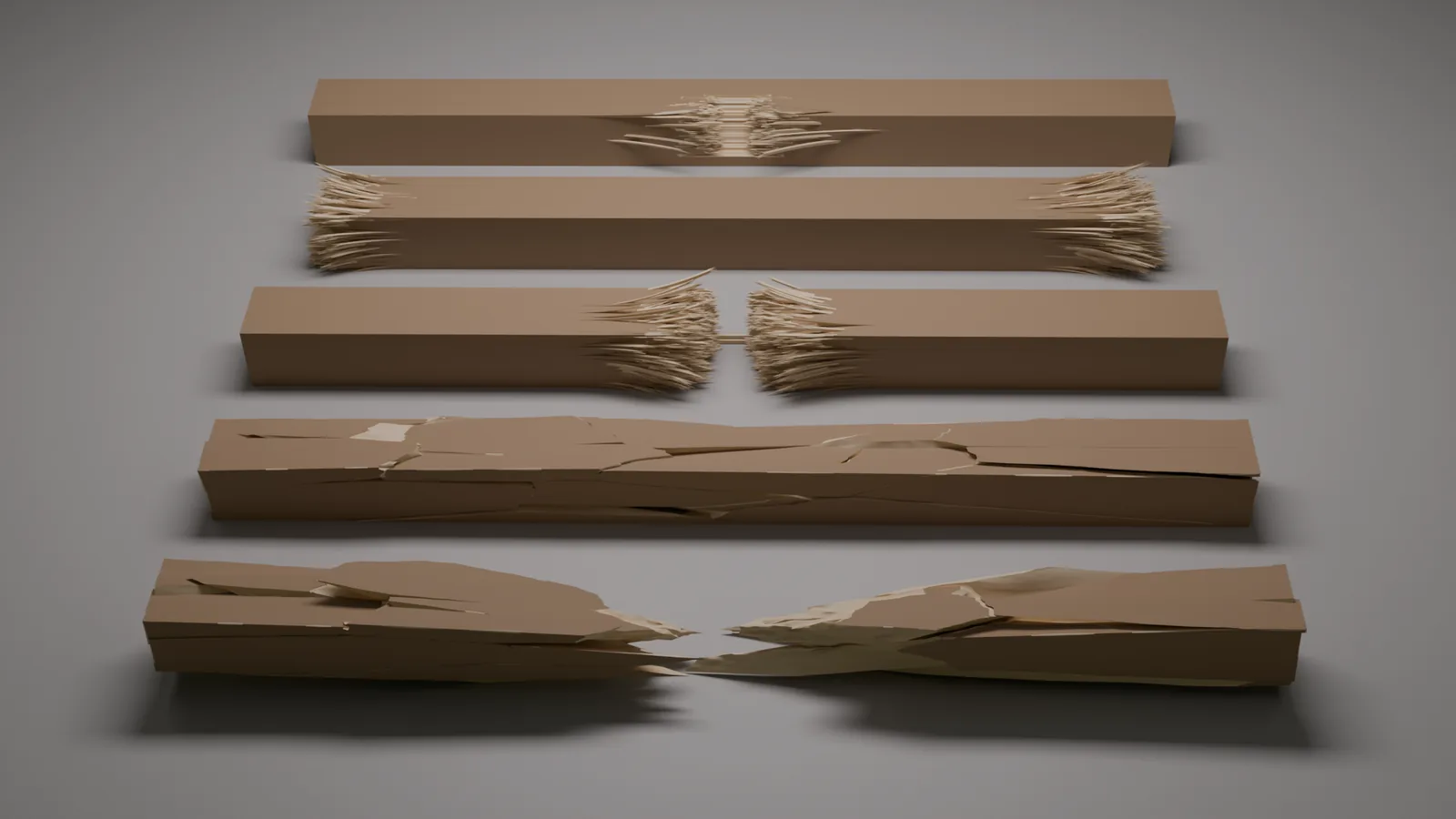
Wood
Beams that splinter
Fibres tear out into pointed stubs, a hard hit snaps the beam in two, and the broken halves sag under their own weight.
Keep the source
Nothing is destroyed
Your original mesh stays live and every break is a modifier you can dial back. When it looks right, bake it to separate pieces for a rigid-body sim or a game engine.
Only Here
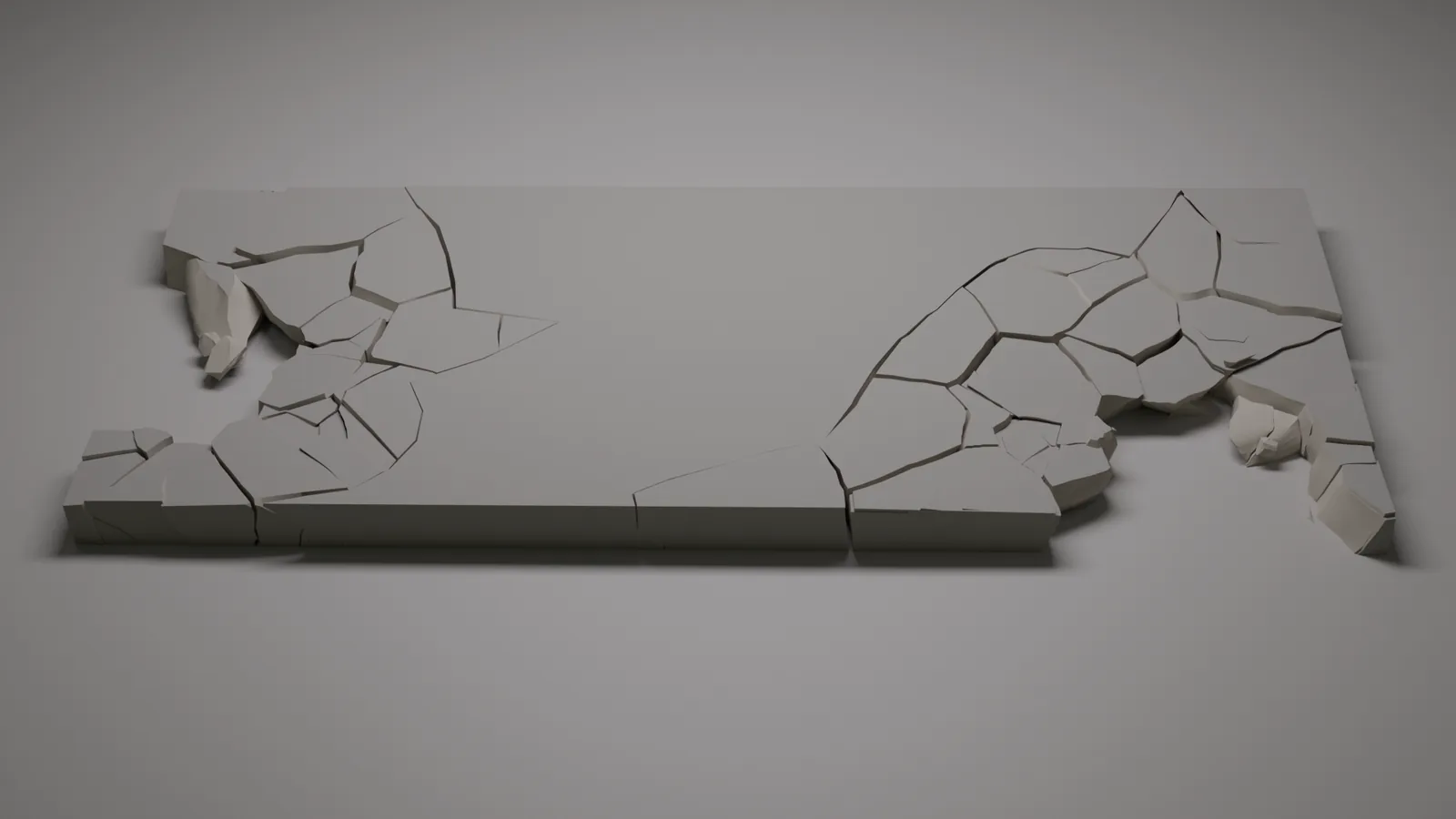
Break just one area
Only Here breaks a zone round the hit and leaves the rest of the object whole, with a ragged, cracked edge between them.
More than one
Hit it twice
Add as many impact handles as you like to one object. Each gets its own hole, rubble and settling, all in a single break, so nothing is broken twice. Works on Concrete, Rock, Masonry and Wood Beam today; Concrete Strike and Glass are next.
Specs
The details
| Blender | 5.0 or newer (tested on 5.0 and 5.2). Crush Corners (Concrete Strike) needs Blender 5.2 or newer. |
|---|---|
| Presets | Concrete, Rock, Wood Beam, Concrete Strike, Masonry, Glass |
| Built with | Geometry nodes only, no extra software |
| Output | Live modifier result, or baked to separate meshes |
| Price | Individual $19 early access, $29 at 1.0 (Nov 18). Studio (up to 10 artists) $59, $89 at 1.0. Pick the licence at checkout on Gumroad or Superhive. |
| Where to buy | Gumroad or Superhive |
| Support | spall@3dartstuff.com |
| License | GPL-3.0-or-later |
Questions
FAQ
Does it destroy my mesh?
No. The original stays live and every result is a modifier you can dial back.
Can I use it in a game or a sim?
Yes. Bake the result to separate pieces, with the topology cleaned up on the way out.
Do I need an external solver?
No. It's built entirely from geometry nodes.
Does it work on my own models?
Yes, on any closed mesh. Glass also takes a single plane.
How heavy is it?
A few seconds for a full break of a 3 m slab on a normal PC, and a quick preview while you drag.
What do I get in early access?
Spall now for $19, and every update up to and including 1.0 at no extra cost. The price goes to $29 when 1.0 comes out on November 18.
Will it work in older Blender?
Spall needs Blender 5.0 or newer.
Can I texture-paint or bake maps on the pieces?
Yes. When you bake, Spall can give every piece one shared, non-overlapping UV map at the texel density you pick. Your materials keep using the object's own UVs.
Will my textures still line up after a break?
Yes. The outside keeps the object's own UVs, so the texture stays where it was.
Buying for a team?
The Studio licence covers up to 10 artists, with priority email support and an invoice in your studio’s name. Pick it at checkout on Gumroad or Superhive. For more seats, email spall@3dartstuff.com.
How do I get help?
Email spall@3dartstuff.com.
Smash something.
$19USD · early access
Early access, out now. Goes to $29 when 1.0 comes out on November 18.