
Hang
A catenary between two or more anchors, with slack. Drag an anchor and the cable follows, live. Run one cable through every anchor, or pair them up A to B.

Blender add-on · Coming soon
Hang, fan, drop and draw cable runs in Blender — with real slack, real hardware, and one click to a game-ready mesh.
For Blender 4.5 LTS and newer.
Four modes
A catenary between two or more anchors, with slack. Drag an anchor and the cable follows, live. Run one cable through every anchor, or pair them up A to B.
One hub to many targets. Click a face and the targets scatter across it; slack is randomised per cable.
Cable coming down from a ceiling point and piling on the floor. Landings, sprawl and waviness are yours to steer.
Drag across any surface and the cable follows it, offset just enough to sit on top.
Profiles
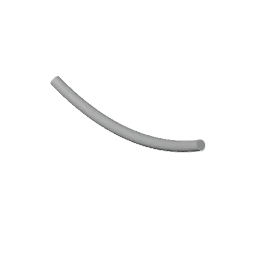
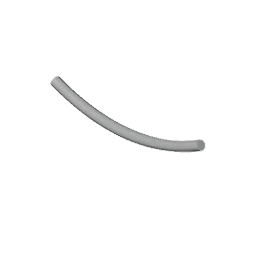
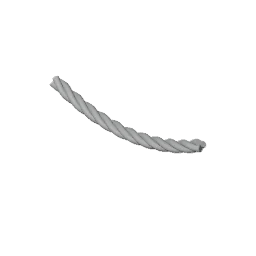
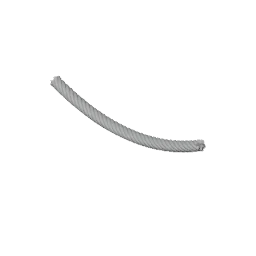
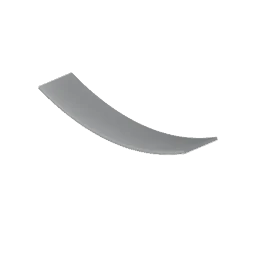
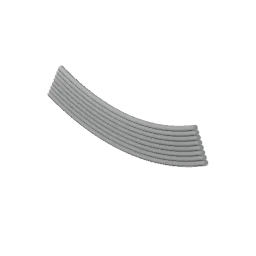
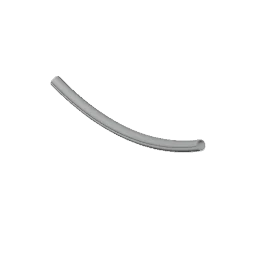
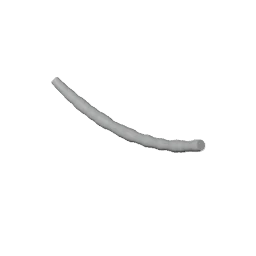
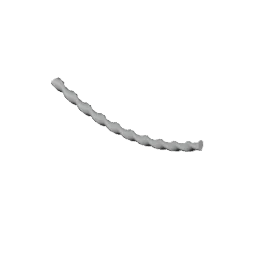
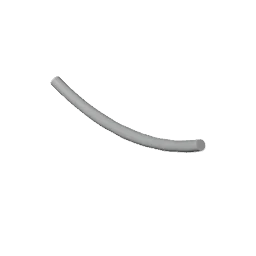
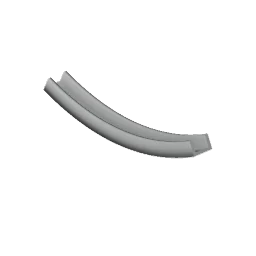
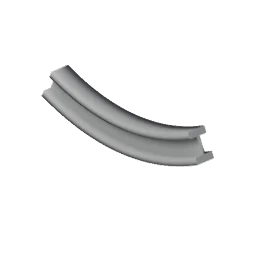
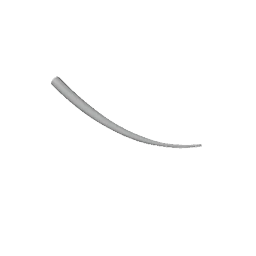
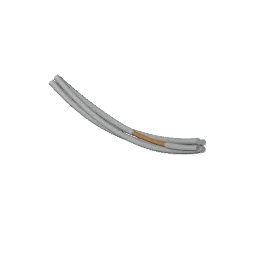
14 presets — power cable, rope, braided cable, ribbon cable, hose, corrugated hose, rigid pipe, trunking and more. Rope lay and ribbing hold their pitch at any cable length. Save a profile once and load it in any file.

Hardware
Strip the jacket back to coloured cores and bare copper, fray it, or heat-shrink it. Add a gland, plug, lug, ferrule or grommet at either end, or any object of your own. Clips repeat along the run.
Obstacles
Let one end of a hanging cable come loose and sprawl, or let the slack settle on the floor. Avoid Obstacles keeps it out of walls, props and pipes.


Bake
Bake any layer to one mesh with world-length UVs, so every cable in the scene has the same texel density. The curves stay hidden, not deleted — change anything and bake again.
Specs
| Blender | 4.5 LTS or newer |
|---|---|
| Cable modes | Hang, Fan, Drop, Draw |
| Profile presets | 14, plus custom shapes |
| Fittings | Gland, Plug, Lug, Ferrule, Grommet, or your own |
| Output | Curves with live preview; bakes to mesh with UVs |
| License | GPL-3.0 |
| Updates | Free updates |
Questions
Yes. Every release is tested on 4.5 LTS and the newest Blender.
Finalize bakes to a mesh with UVs and shows the triangle count. Resolution is set separately from the viewport.
Yes. Freeze a drawn cable to protect hand edits, or convert one to a mesh and it's yours.
Live preview waits before rebuilding, and the delay is adjustable in Preferences for heavy scenes.
Conduit is the cable half of EScatter, renamed. Your files open with their cables intact.
On GitHub issues. Include your Blender version, the Conduit version and a small .blend if you can.