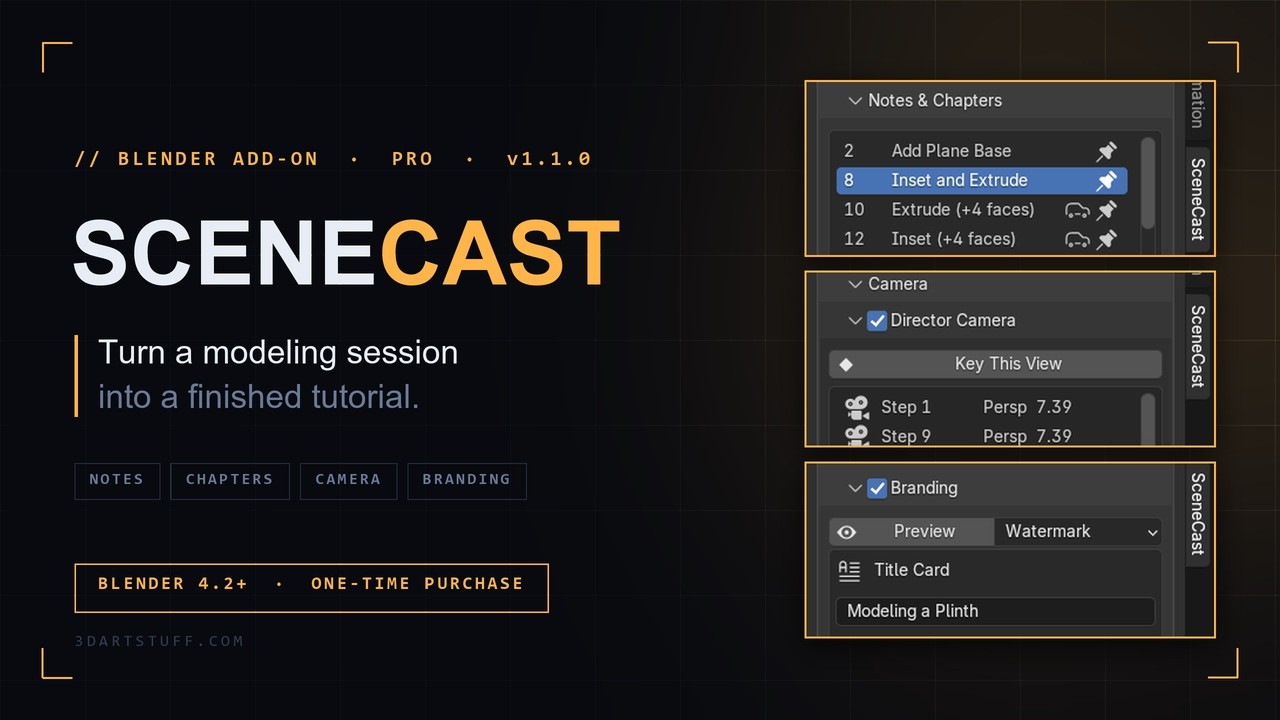
SceneCast · Pro · v1.1.0

Turn a modeling session into a finished tutorial.

SceneCast Pro adds notes, chapters, a camera you direct, branding and a written guide to every recording, and keeps your sessions safe.

Blender 4.2+ · one-time purchase · free 1.x updates

Every control explained — Panel guide →

Watch the launch video

From recording to lesson

Every Blender timelapse add-on captures screenshots of your viewport. SceneCast replays the actual geometry step by step, and Pro turns that replay into a tutorial you can publish.

Every control explained — Panel guide →

01 · Auto Notes

It writes the notes for you.

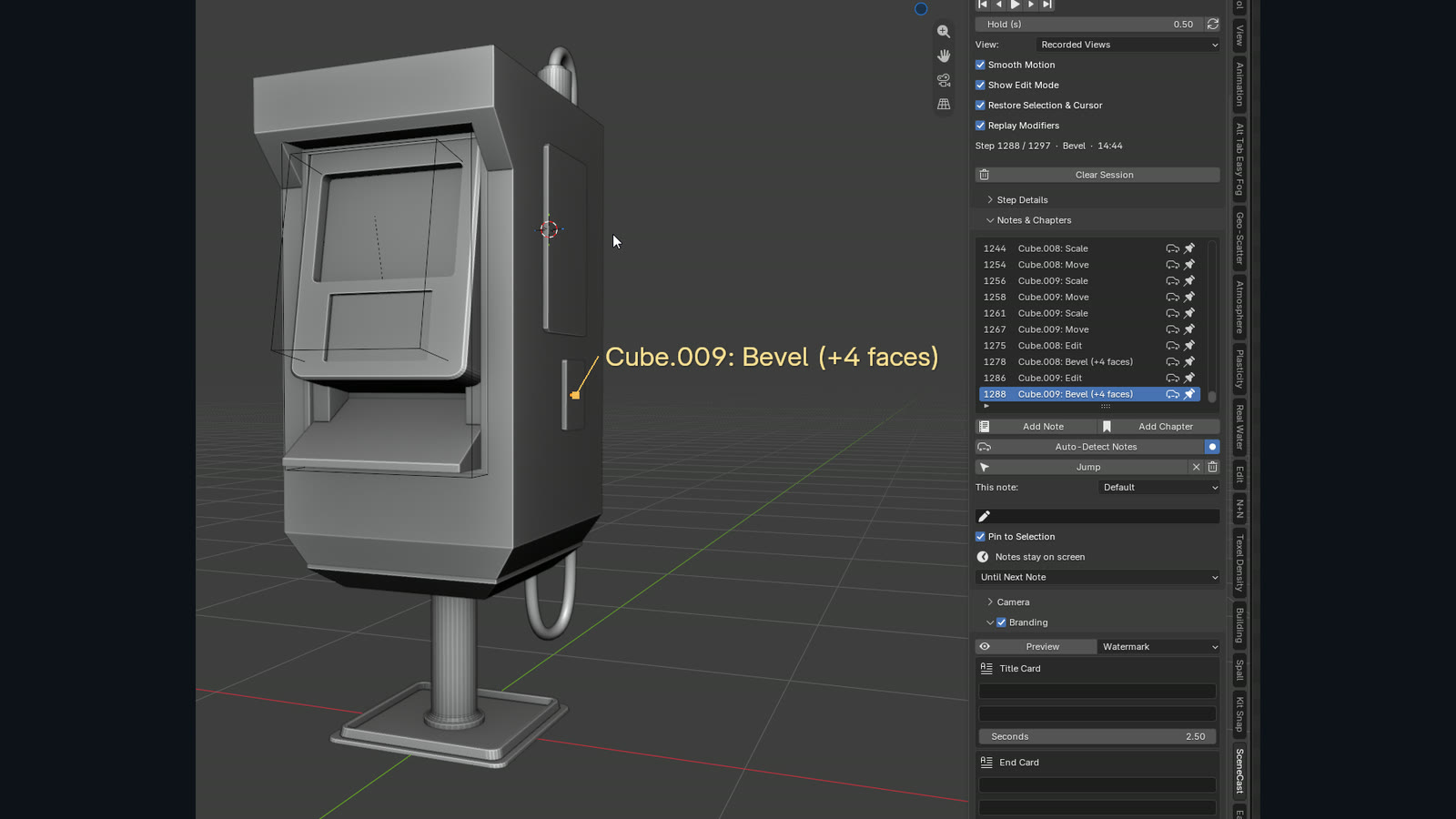
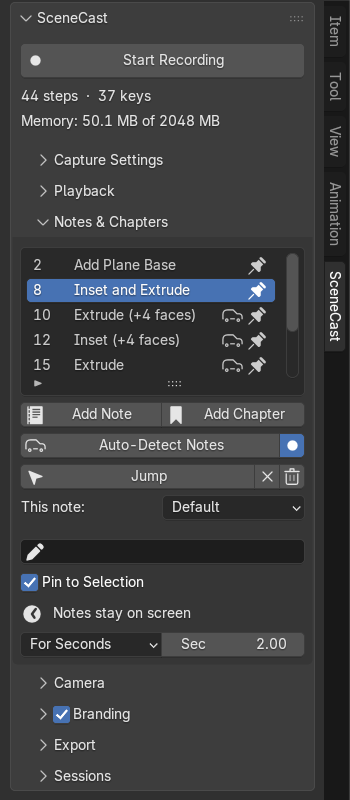
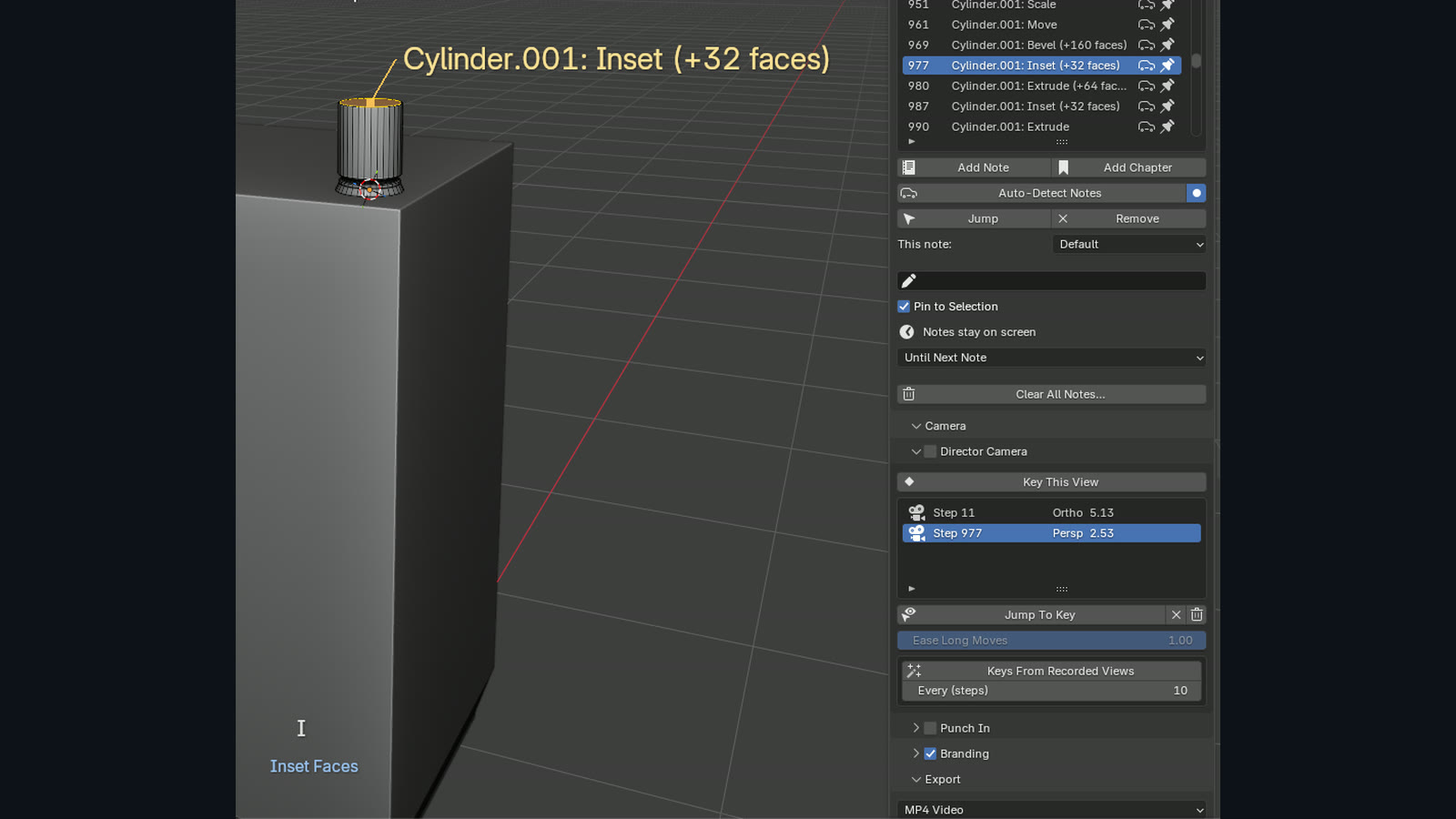
Pro reads what you actually did and writes it down: Plane: Inset (+8 faces), Add Cube, Add Mirror modifier. Each note is pinned at the step it happened and the spot in the model it happened to.

Annotating a session goes from a chore to a cleanup pass.
02 · Punch-In

Push in on what matters.

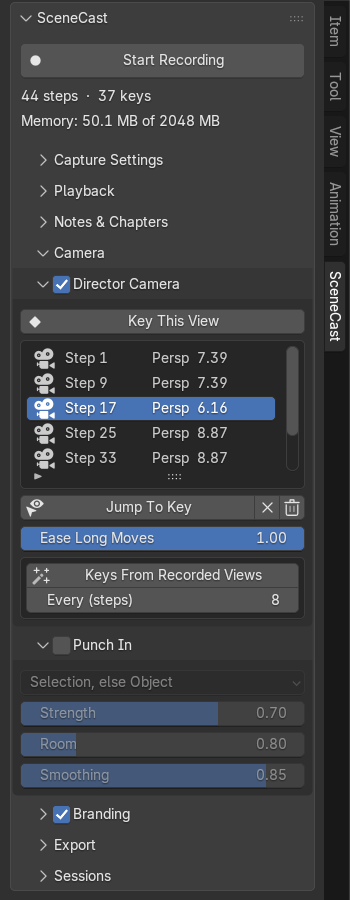
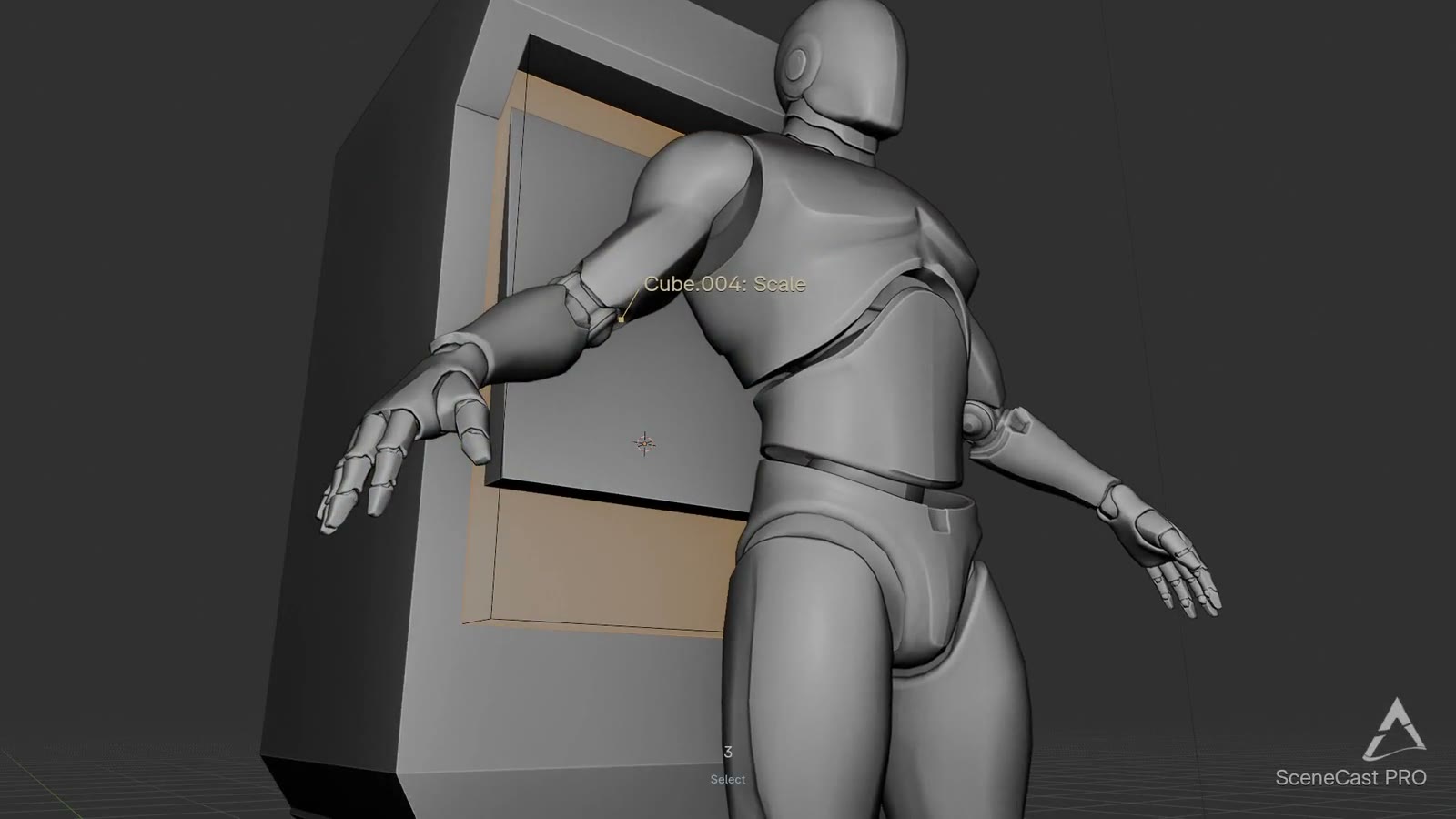
The camera pushes in on whatever you're working on, the active object or the selected verts, with no tracking setup. On a static Front view it becomes a slow Ken Burns move.

A bevel at 1080p stops being three grey pixels changing.

03 · Director Camera

Your camera, not your working orbit.

Place your own camera keys on the step timeline instead of replaying the shaky orbits you made while working. Keys stick to steps, so changing the timing never desyncs the camera.

Long moves ease and short ones don't.

Camera keys placed on the step timeline and the resulting directed camera move.

04 · Notes, chapters & timing

Structure it like a lesson.

Pin a note to any step, with a leader line to the point it's about. Chapters become title cards. Each note shows until the next one, for a set number of seconds, or until the end.

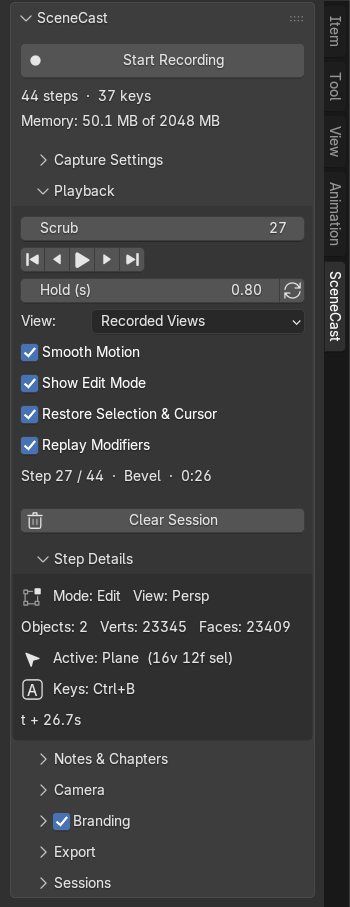
What you see while scrubbing is exactly what lands in the video.

A chapter title card followed by timed notes during playback.

05 · Branding

Your title, your logo, your end card.

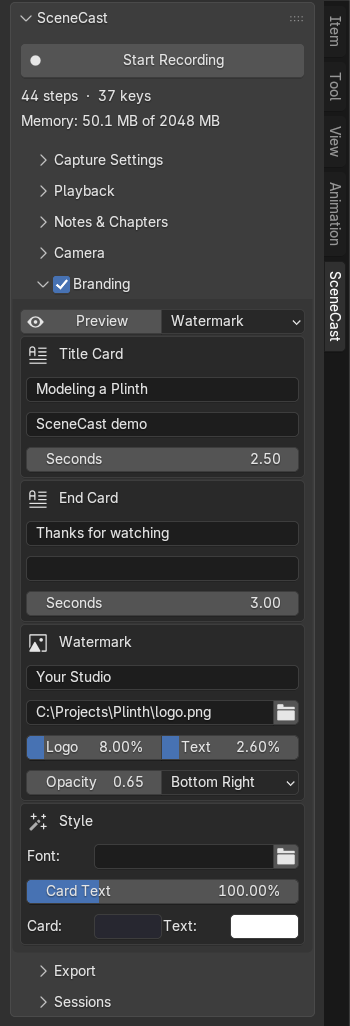
Title card, end card, and a logo or text watermark, previewed live in the viewport and framed to the export's shape before you render.

16:99:16 vertical1:1 square

06 · Written Guide Export

One recording, two deliverables.

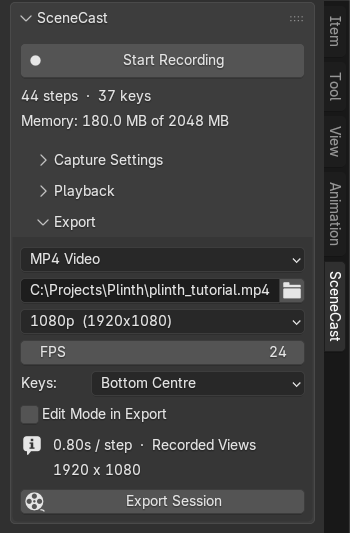
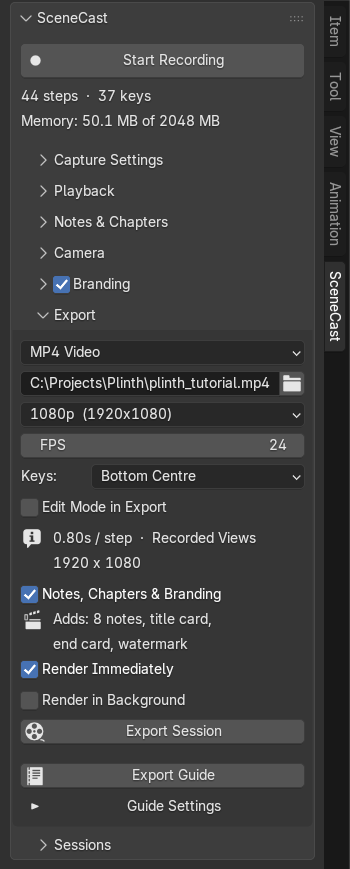
The same take also exports as a written tutorial in HTML or Markdown: chapters, notes, keystrokes, operator names, vert and face counts, and a still per step that matches the video frames.

07 · Background Render

Export without losing Blender.

The export goes to a second, minimised Blender while you keep working. One job can render both the 16:9 and the 9:16 cut from a single recording.

Annotated exports also leave an editable sequencer scene, so you can fix a line of text and re-render without re-recording.

08 · Sessions

Never lose a session.

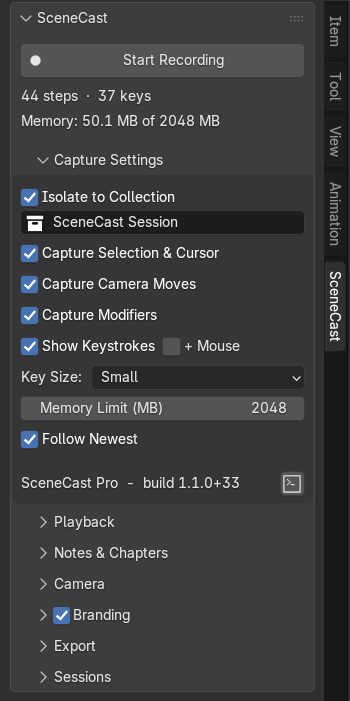
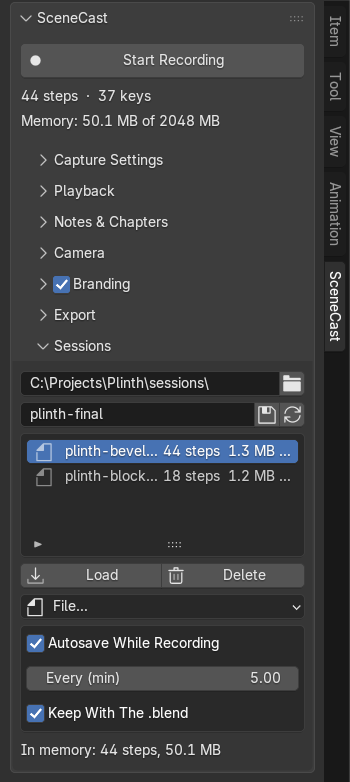
Undo can't bring back a recording. In Pro, sessions autosave while you record, travel with the .blend when you save and reopen it, and can be browsed from the Session Library.

.scast files are deduplicated so long sessions stay small, and they're safe to share: loading one never runs code.

Compare the panels

Free records your session. Pro adds the panels that turn it into a finished tutorial.

Built for teaching

Video + guide from one take

Tutorial creators

Record once and ship a finished video and a written guide. Replaces the screen recorder, Screencast Keys, the editor pass and the write-up.

Classroom license

Teachers

Chaptered lessons with notes pinned where they matter, plus a written handout per lesson. The Studio / Classroom license covers up to 10 seats.

Vertical, branded

Artists posting progress

Get the 9:16 Short and the 16:9 cut from one render, with your title card, watermark and end card on both.

Buy once. Updates included.

No subscription. Every 1.x update is free.

SceneCast Pro

$19$29

Launch price until Oct 15

  • Everything in Free
  • Notes, chapters & Auto Notes
  • Punch-In & Director Camera
  • Branding, background render, 16:9 + 9:16
  • Written guide export
  • Save, load & autosave sessions
Get SceneCast Pro · $19

Studio / Classroom

$69$79

Up to 10 seats · until Oct 15

  • Everything in Pro
  • Up to 10 seats for a team or classroom
  • Same free 1.x updates
Get the Studio license · $69

Free updates for Pro owners

On the roadmap, no dates promised. Every 1.x update is free for Pro owners.

  1. 01

    Trim, merge & delete stepsCut the boring stretches.

    Planned
  2. 02

    Per-chapter retimingLinger on the interesting edit, speed through eight extrudes.

    Planned
  3. 03

    AudioVoice-over track or mic recording, with chapters snapping to markers.

    Planned

FAQ

Do I need to uninstall Free first?

No. Pro installs over it and replaces it, and it shows in Extensions as SceneCast Pro.

Which Blender versions are supported?

Blender 4.2 and newer, including 5.0.

Can I keep my recordings?

In Pro, yes. Sessions autosave and travel with your .blend. Free keeps them only until you close the file.

Does Background Render need my file saved?

Yes. It renders the .blend as it is on disk, so Pro asks you to save first rather than render stale work.

Can I share a session file?

Yes. .scast files are safe to share and can't run code when loaded.

Is Pro open source?

It's GPL-3, like every Blender add-on. You're paying for the build, updates and support, the same way add-ons are sold on Superhive.

Do I get updates?

All 1.x updates are free for Pro owners.

What if it's not for me?

Full refund within 14 days, no questions asked.

Is the free version going away?

No. It stays free and keeps getting updates. 1.1 just added modifier capture, vertical export and the memory limit. Get SceneCast Free →

Record it once. Teach it twice.

Blender 4.2+ · one-time purchase · free 1.x updates